AI Agents Business Automation for Small Teams
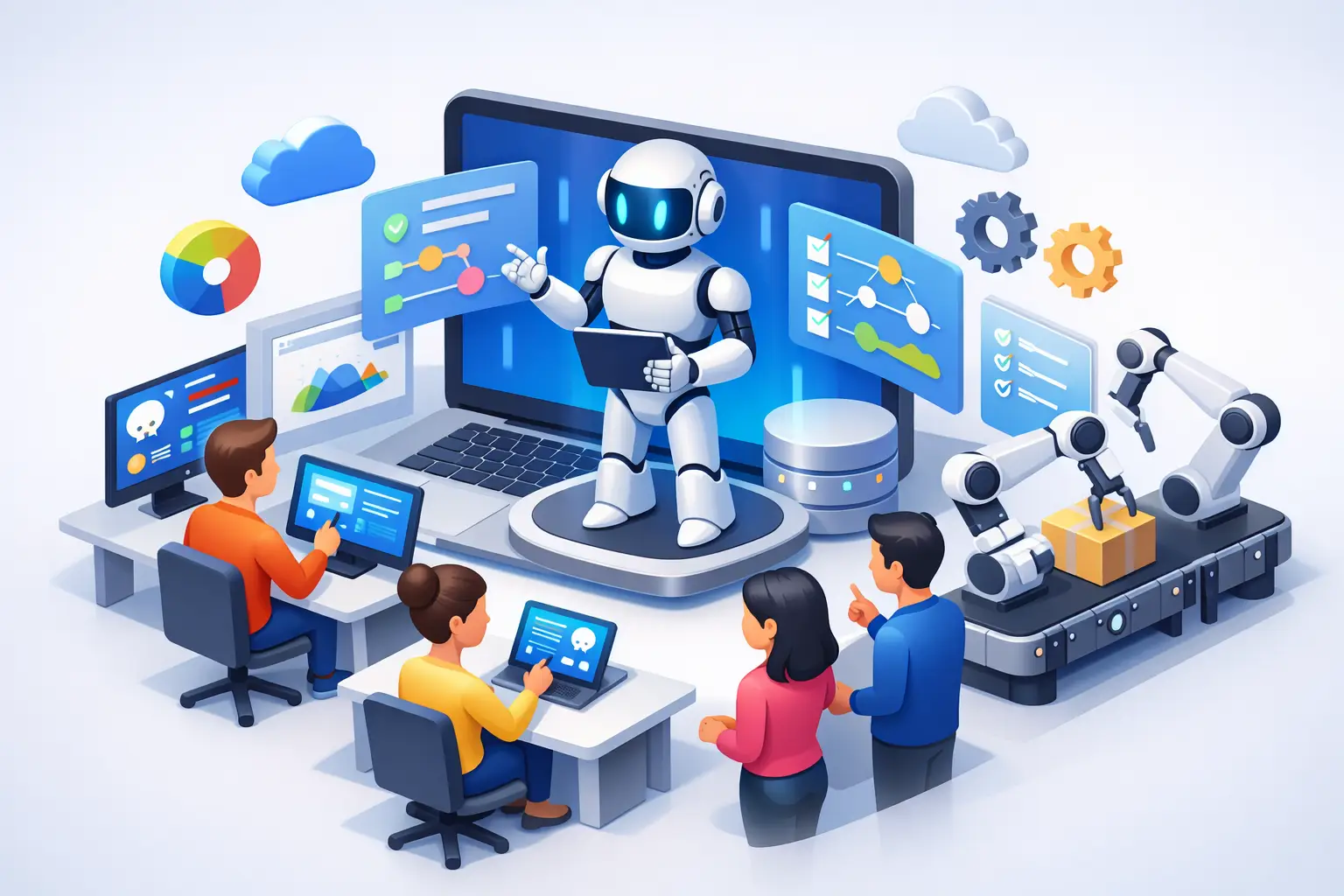
A service coordinator receives a customer email at 7:15 a.m. asking for an update, a copy of an invoice, and the next available appointment. Usually, someone has to read the message, find the right records, draft a response, and update the schedule. AI agents business automation can reduce that chain of manual work, but only if the agent has clear instructions, approved access, and human accountability.
For small businesses, the opportunity is not to replace every employee with autonomous software. It is to give employees practical help with repetitive work that slows down customer service, sales follow-up, administration, and internal operations. The best first use cases are narrow, measurable, and connected to systems your team already uses, such as Microsoft 365, Teams, SharePoint, Outlook, and business applications.
What AI Agents Business Automation Actually Means
An AI agent is more than a chat window that answers a question. A basic chatbot responds to a prompt. An agent can be configured to follow a defined workflow: review incoming information, retrieve approved data, make a decision within set rules, take a permitted action, and report what it did.
For example, an agent might monitor a shared inbox for vendor invoices. It can identify the vendor, extract the invoice number and amount, check whether a purchase order exists, save the file in the correct SharePoint location, and flag exceptions for review. It should not be allowed to approve a payment on its own unless the business has deliberately designed, tested, and authorized that process.
That distinction matters. Effective automation is not about handing over unrestricted control. It is about assigning well-defined tasks with boundaries. In a Microsoft environment, this may involve Microsoft Copilot, Power Automate, Azure AI services, SharePoint, Teams, and line-of-business systems. The right combination depends on the process, the data, and the level of judgment required.
Start With Friction, Not With the Tool
A common mistake is buying an AI product first and then searching for a reason to use it. Small businesses get better results by identifying recurring operational friction before choosing technology.
Look for work that is repetitive, rules-based, high volume, and currently handled through copying, pasting, forwarding, or searching. A process does not need to be fully automated to be worthwhile. If an agent prepares a first draft, gathers the right information, or routes a request to the correct person, it can still save meaningful time and reduce errors.
Good candidates often include responding to common customer questions, qualifying website inquiries, preparing meeting summaries and action items, routing IT support requests, organizing documents, following up on overdue information, and creating first drafts of proposals or status updates. For a professional services firm, an agent might assemble a client onboarding checklist from a signed agreement and assign tasks in Microsoft Teams. For an operations-focused company, it might turn emailed work requests into structured tickets for review.
The process should have a clear owner and a baseline. If staff currently spend six hours each week sorting and responding to a particular type of request, that is a useful starting metric. After implementation, measure time saved, response speed, error rates, and the number of exceptions that still require human intervention.
Choose processes with a real decision path
The strongest early projects have known rules. If a request meets conditions A, B, and C, the agent does X. If the information is missing or the request falls outside the rule set, it sends the work to a person.
Processes driven by judgment, negotiation, sensitive employee matters, or unusual client circumstances need more caution. AI can help summarize information or prepare a draft, but a person should remain the decision-maker. The more consequential the action, the more important approval gates become.
Build Around Your Microsoft 365 Environment
Many small businesses already have the foundation for useful agent workflows in Microsoft 365. Email, shared files, calendars, Teams conversations, user identities, and security settings are already part of the environment. That can make Microsoft-based AI solutions more practical than introducing disconnected tools that create new data silos.
Microsoft Copilot can help employees work faster within familiar applications. It can summarize long email threads, create a first draft from existing files, identify action items from a meeting, or help staff analyze information. An agent goes further when it is designed to perform a repeatable business process across approved systems.
Consider a sales inquiry workflow. A Copilot-assisted employee may use AI to draft a response. An agent workflow could categorize the inquiry, check whether the lead exists in a CRM system, create a follow-up task, notify the right salesperson in Teams, and prepare a response for approval. The second approach can produce more consistent execution, but it also requires more planning and governance.
Azure becomes valuable when a business needs custom integrations, stronger control over data flows, more advanced AI capabilities, or an architecture that can grow beyond a simple departmental workflow. Not every use case needs Azure on day one. A small, well-designed Microsoft 365 automation may be the better first step. The goal is to use the simplest solution that meets the business need without creating a security or maintenance burden.
Security Is Part of the Workflow Design
An agent is only as safe as the permissions and data it receives. If it can access every folder, mailbox, and customer record, it may expose information an employee would never be authorized to see. Broad access also makes mistakes more expensive.
Before deploying an agent, define exactly which files, mailboxes, applications, and actions it needs. Use least-privilege access, meaning the agent receives only the permissions required to do its job. Separate confidential data from general business content, and review whether the underlying SharePoint sites, Teams channels, and shared folders already have appropriate permissions.
Human review is especially important for external communications, financial actions, customer commitments, changes to business records, and anything involving personal or confidential information. An agent can prepare a response, but a staff member may need to approve it before it is sent. Logging is equally important. Your team should be able to see what the agent accessed, what action it took, and why an exception was raised.
Cybersecurity controls should not be treated as a separate project that happens later. Multifactor authentication, conditional access, device management, data classification, retention policies, and backup planning all affect whether an AI rollout is responsible. If your Microsoft 365 environment is poorly organized or accounts are over-permissioned, fix those issues before granting an agent access.
A Practical Rollout for Small Businesses
A phased approach helps avoid costly, disappointing automation projects. Begin with one workflow that affects a limited group of users and has a clear business outcome. Document how the process works today, including exceptions and approvals. This step often reveals that the process itself needs improvement before automation begins.
Next, create a controlled pilot using test data or a small set of real users. Watch for inaccurate outputs, missed exceptions, unexpected access requests, and steps that employees still perform outside the system. AI does not remove the need for testing. It makes testing more important because language-based systems can interpret similar requests differently.
Once the pilot performs reliably, train the people who will use it. Staff need to understand what the agent does, what it does not do, and when they should override or escalate its output. A successful implementation makes employees more capable. It should not leave them guessing whether they can trust a result.
Finally, review the workflow regularly. Business rules change, employees create new document locations, customer requirements shift, and software permissions evolve. An agent that was useful six months ago can become inaccurate or overly permissive if no one maintains it.
Know the Trade-Offs Before You Automate
AI agents can save time, but they are not a shortcut around unclear processes or weak IT management. Automation can amplify a bad workflow just as efficiently as a good one. If customer records are incomplete, document storage is chaotic, or approval rules exist only in one employee's head, the first task is to improve the operational foundation.
Cost is another consideration. Licensing, implementation, integration, security configuration, testing, and ongoing support all matter. A simple agent may produce a quick return if it eliminates repetitive administrative work. A more complex integration may be justified only when it supports a high-volume process or reduces a meaningful operational risk.
There is also a trust trade-off. Employees may reject automation if it feels imposed or if it generates unreliable results. Involving the people who perform the work is one of the fastest ways to identify exceptions and build a workflow they will actually use. Their expertise is essential to designing useful guardrails.
For businesses in Hamilton, Burlington, Oakville, and the Greater Toronto Area, a discovery-led assessment can help separate a practical first project from a costly experiment. Deep Shah IT Consulting can evaluate your Microsoft 365 environment, security posture, and existing workflows before recommending a Copilot, Azure, or AI agent approach.
The right first agent is rarely the flashiest one. It is the one that removes a recurring obstacle, keeps people in control of important decisions, and gives your team more time to serve customers and grow the business.
Need help with this?
Book a free 20-minute call — I'll tell you what needs to happen, no sales pitch.