Microsoft 365 Business Premium Review for SMBs
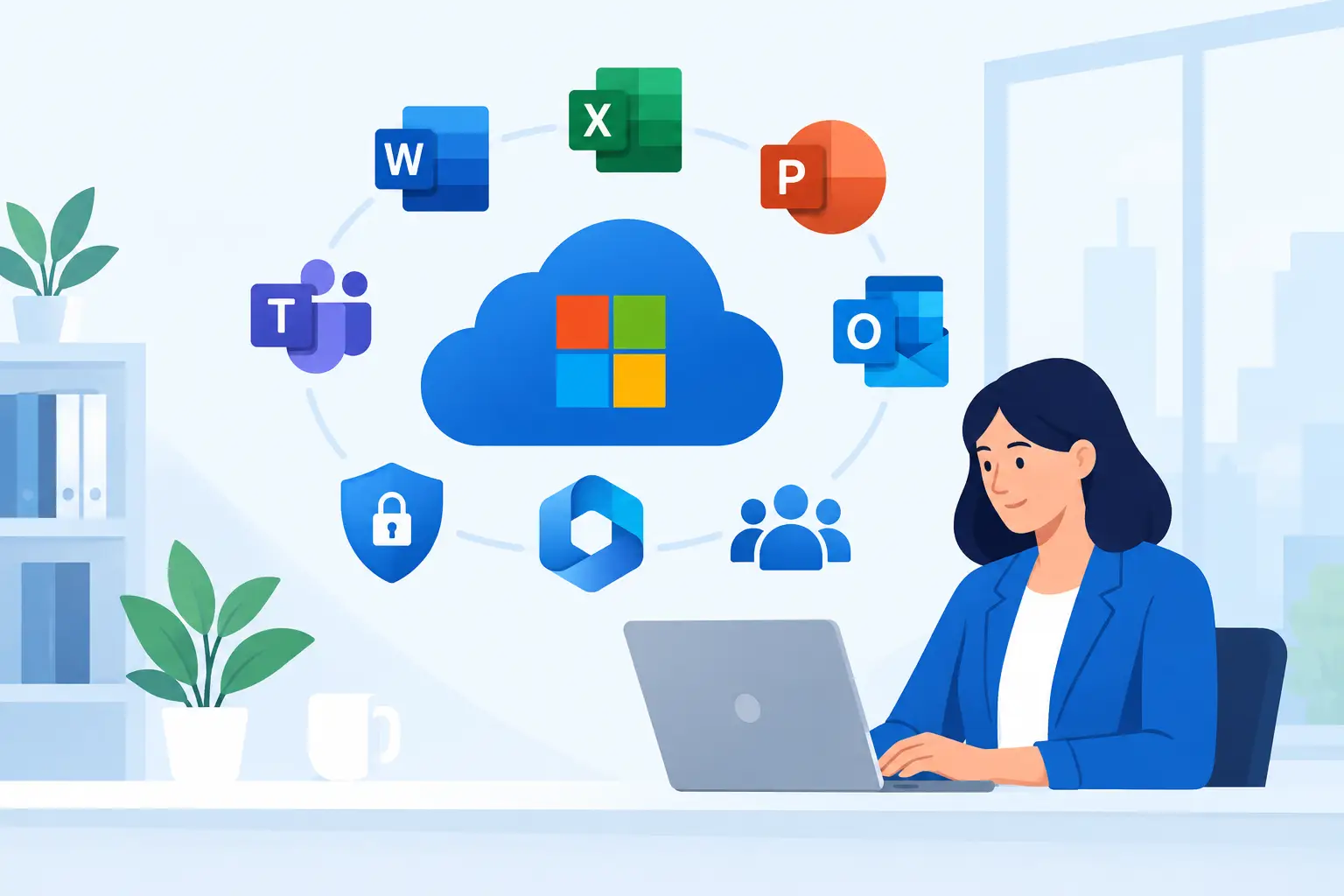
A missed phishing email, an employee laptop left in a car, or a former staff member who still has access to company files can create a much bigger problem than an inconvenient IT ticket. That is why a Microsoft 365 Business Premium review should look beyond Word, Outlook, and Teams. For small businesses, the real question is whether the plan gives you practical control over identities, devices, data, and day-to-day work without requiring a large internal IT team.
Microsoft 365 Business Premium Review: The Short Verdict
Microsoft 365 Business Premium is one of the strongest all-around Microsoft licensing options for small and mid-sized businesses that want productivity software and meaningful security controls in one subscription. It combines familiar Microsoft 365 applications with Microsoft Intune for device management, Microsoft Defender for Business for endpoint protection, and Microsoft Entra ID Premium P1 for identity and access controls.
It is not the least expensive Microsoft 365 option, and it is not automatically the right fit for every employee. A company with basic email needs, shared workstations, or very limited technology requirements may get sufficient value from a lower-tier plan. But businesses handling client information, financial records, regulated data, remote work, or company-owned laptops usually find that Business Premium closes several security gaps at once.
The value depends heavily on setup. Buying the license without configuring policies, conditional access, device compliance, and endpoint protection leaves much of its benefit unused.
What Business Premium Includes
At its foundation, Business Premium includes the productivity tools most businesses expect: desktop, web, and mobile versions of Microsoft 365 apps, business email through Exchange Online, Teams collaboration, SharePoint document storage, and OneDrive for individual file storage. Employees can work from office desktops, home laptops, and mobile devices while keeping documents tied to the company rather than personal accounts.
For many organizations, this alone is a major improvement over a mix of consumer email accounts, local file servers, and ad hoc file-sharing tools. SharePoint provides a central location for team documents, while OneDrive supports personal work files with controlled sharing and version history. Outlook and Teams bring communication into the same identity platform.
The security and management layer is the differentiator
Business Premium earns its name through the services layered on top of Microsoft 365 productivity:
- Microsoft Intune helps manage Windows PCs, Macs, mobile devices, security settings, applications, and updates.
- Microsoft Defender for Business provides managed endpoint detection and response capabilities for computers and supported devices.
- Microsoft Entra ID Premium P1 supports conditional access, stronger sign-in policies, self-service password functions, and more control over who can access company resources.
- Microsoft Defender for Office 365 Plan 1 adds protection against phishing, malicious links, and unsafe attachments in email and collaboration tools.
- Windows 11 Business capabilities can apply to eligible devices already licensed with a qualifying version of Windows Pro.
This combination is particularly useful for businesses with hybrid staff, sales teams using laptops outside the office, or professional services firms that handle confidential client data. Instead of treating email, antivirus, device setup, and user access as separate purchases, Business Premium brings them under a coordinated Microsoft platform.
Where the Security Value Shows Up
Small businesses are often targeted because attackers expect fewer controls and slower response times. Business Premium does not eliminate cyber risk, but it gives an organization much better tools to reduce common exposure.
Conditional access is a clear example. A company can require multifactor authentication, block sign-ins from risky locations, or prevent access from unmanaged devices. If an employee has the right password but is attempting to access company email from an unknown, noncompliant device, policy can require additional verification or deny access.
Intune adds another practical layer. A properly configured deployment can require device encryption, screen locks, current operating system versions, and approved security software. If a laptop is lost, IT can remove company data or retire the device from management. For phones, app protection policies can help separate corporate information from personal data without taking full control of an employee-owned device.
Defender for Business improves visibility as well. Rather than relying only on traditional antivirus alerts, it can identify suspicious activity across managed endpoints and provide investigation and remediation options. That matters when a user clicks a convincing phishing link or downloads a harmful attachment before anyone realizes there is an issue.
These features need thoughtful policy decisions. Overly strict controls can frustrate staff and disrupt legitimate work. Weak controls may make the subscription look secure on paper while leaving sensitive data exposed. The goal is to align the configuration with the company’s real risk level, work patterns, and regulatory obligations.
Productivity Benefits Without the Tool Sprawl
Microsoft 365 Business Premium is also a practical response to tool sprawl. Many growing businesses pay separately for email hosting, office software, cloud storage, video meetings, password resets, mobile management, and endpoint security. Those products can work well individually, but they can create duplicate costs, inconsistent user accounts, and support headaches.
With Business Premium, staff use one work identity across Outlook, Teams, OneDrive, SharePoint, and managed devices. When someone joins, an administrator can provision their account, assign the appropriate license, provide access to relevant Teams and files, and enroll their computer. When they leave, access can be removed centrally rather than relying on a checklist spread across several vendors.
The plan also creates a better foundation for Microsoft Copilot and business automation. Copilot should not be treated as a shortcut around governance, but organizations with organized SharePoint permissions, protected identities, and managed devices are in a far better position to introduce AI tools responsibly.
The Trade-Offs to Consider Before Buying
The first trade-off is cost. Business Premium costs more per user than Microsoft 365 Business Standard or Business Basic because it includes advanced security and device-management services. If every employee only checks email on a personal phone and uses browser-based applications, assigning Business Premium to every account may not be the best licensing design.
A mixed licensing approach can make sense. Employees who access sensitive files, use company laptops, or require desktop Office apps may need Business Premium, while limited-use staff may be better suited to another plan. Licensing must still be designed carefully so that security policies, compliance requirements, and application access remain consistent.
The second trade-off is administrative complexity. Intune and Defender are powerful, but they are not set-and-forget products. Someone must define enrollment rules, test policies, review alerts, manage exceptions, and document the environment. A rushed deployment can lock users out, interfere with specialized applications, or cause confusion around personal devices.
Third, Business Premium is designed for organizations with up to 300 users. Businesses approaching or exceeding that limit may need to evaluate Microsoft 365 enterprise plans. Companies with advanced compliance, security operations, voice, analytics, or identity requirements may also need additional Microsoft licensing or third-party services.
Finally, cloud security does not replace backup, user training, or a response plan. Retention settings are not the same as a dedicated backup strategy. Multifactor authentication helps, but users still need to recognize social engineering attempts. Business Premium should be part of a broader cybersecurity program, not the whole program.
Who Should Choose Microsoft 365 Business Premium?
Business Premium is usually a strong fit for professional services firms, financial and insurance businesses, construction and field-service companies, healthcare-adjacent organizations, and growing companies with distributed employees. It is especially compelling when laptops leave the office, staff access data from home, or the business needs a more defensible approach to security for client information.
It is also a sensible choice for companies moving away from an aging file server or fragmented IT support model. The plan can support a more standardized workplace: cloud-based files, managed devices, controlled access, secure email, and documented onboarding and offboarding.
It may be more than necessary for a very small business with a handful of users, no company-owned devices, and minimal sensitive data. Even then, business owners should compare the apparent savings against the potential cost of compromised email, lost files, or an unmanaged laptop containing customer records.
Getting the Full Return From the License
The best Business Premium deployments begin with a short assessment of users, devices, data, and risks. Identify which employees need what access, where sensitive information is stored, which devices connect to business systems, and what should happen when a device is lost or an employee leaves.
From there, prioritize the basics: multifactor authentication, secure email settings, device enrollment, encryption, endpoint protection, conditional access, and tested offboarding procedures. Then refine the environment with SharePoint permissions, mobile app protection, backup, security awareness training, and a plan for Copilot or workflow automation where it makes business sense.
For organizations that want senior Microsoft expertise without adding internal headcount, Deep Shah IT Consulting can align licensing, migration, security configuration, and ongoing managed IT support around the way the business actually operates. A free discovery call can help determine whether Business Premium is the right fit and which controls should be put in place first.
The license is valuable because it gives a small business the building blocks of a mature IT environment. The real payoff comes when those building blocks are configured to protect people, support daily work, and leave the business better prepared for its next stage of growth.
Need help with this?
Book a free 20-minute call — I'll tell you what needs to happen, no sales pitch.