Azure Versus On-Premises Servers: Which Fits?
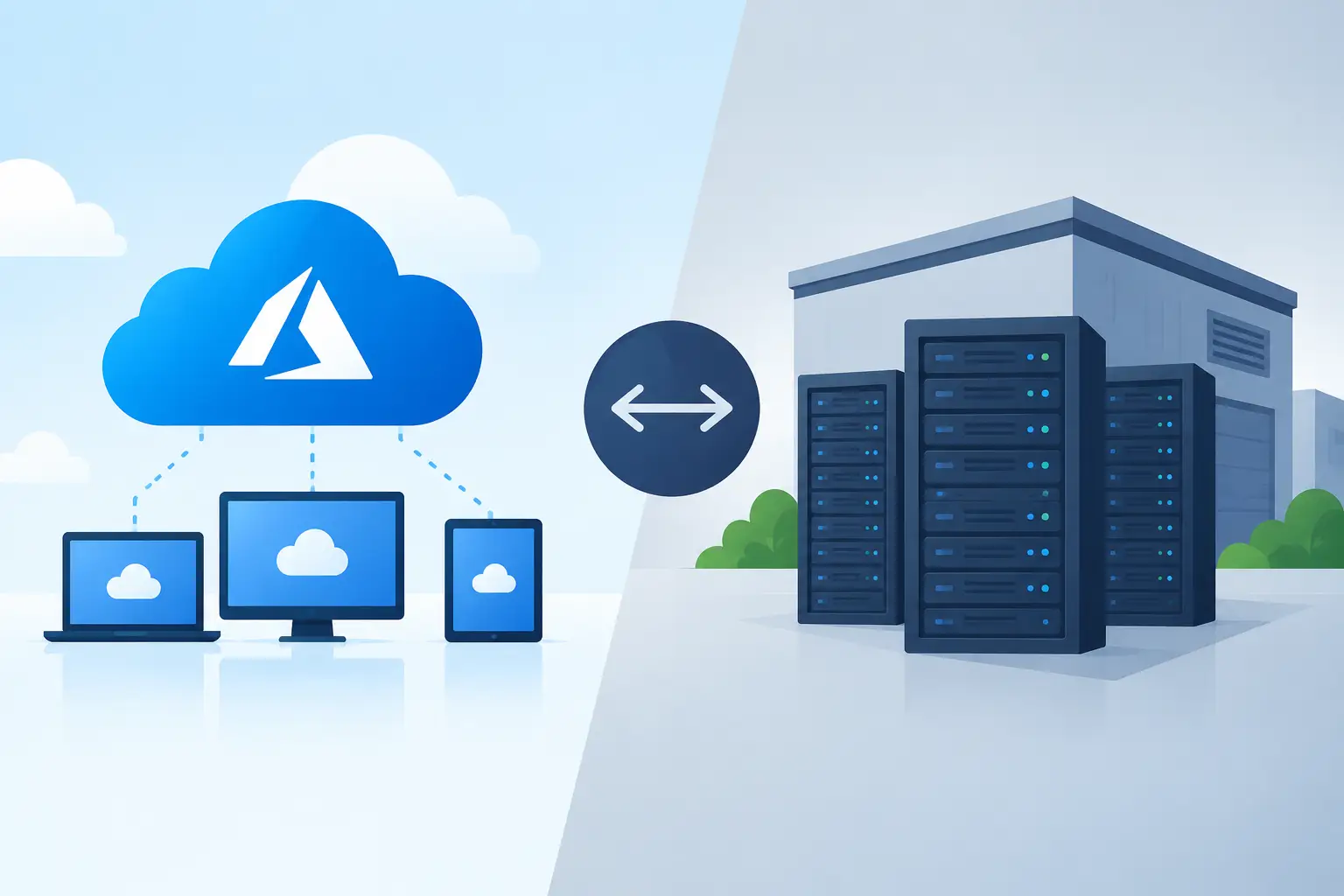
A server closet can feel like a sign of control: the equipment is in your building, your team can see it, and you decide when it is replaced. But when that server fails at 8 a.m., staff cannot access files, or a ransomware incident exposes an unpatched system, that control can become an expensive responsibility. The decision around Azure versus on premises servers is not about choosing what is newer. It is about deciding where your business can operate more securely, reliably, and cost-effectively.
For small and midsized businesses, the right answer is often not entirely cloud or entirely local. It depends on the applications you run, how quickly you need to recover from disruption, your compliance obligations, and whether you have the in-house capacity to maintain infrastructure properly.
Azure versus on-premises servers: the business difference
On-premises servers are physical systems owned by your business and installed at your office, a data center, or a colocation facility. They may run file sharing, line-of-business applications, databases, virtual machines, Active Directory, or backup software. Your organization purchases the hardware, licenses the software, manages the environment, and plans for replacement.
Microsoft Azure provides cloud infrastructure and services from Microsoft data centers. Instead of buying physical servers upfront, you can deploy virtual machines, storage, backup, identity services, disaster recovery capabilities, and application platforms as needed. Azure costs are generally operational expenses, based on the resources you use and the services you select.
That distinction matters because a server is more than its purchase price. It needs power, cooling, warranty coverage, patching, monitoring, backups, cybersecurity controls, and a tested recovery plan. Azure shifts much of the physical infrastructure responsibility to Microsoft, but it does not remove your responsibility to configure access, protect data, control costs, and manage the services correctly.
Cost: capital expense versus ongoing flexibility
An on-premises environment can look less expensive after the equipment is paid for. A business might purchase a server, storage, backup hardware, and licensing, then expect to use the setup for five to seven years. The challenge is that the real cost is rarely limited to the original invoice.
There are replacement cycles, warranty renewals, electricity, internet redundancy, software licensing, backup storage, and the time required to maintain everything. A single failed RAID controller, aging battery backup, or unsupported operating system can create an unplanned expense at exactly the wrong time.
Azure reduces the need for large upfront hardware investments. This is useful for growing companies, businesses opening another location, or organizations that need temporary capacity for a project. You can increase computing resources without buying and installing another server.
However, cloud costs require active management. A virtual machine running 24 hours a day, excess storage, unnecessary backup retention, or resources left running after testing can inflate a monthly bill. Azure is not automatically cheaper than on-premises infrastructure. It is often more financially flexible, especially when workloads change, but it needs proper architecture, budgeting, and monitoring.
For predictable workloads that have stable capacity needs and are already supported by capable internal IT, keeping some systems on premises may remain cost-effective. For variable workloads, remote access needs, or systems nearing replacement, Azure deserves a serious comparison before another hardware purchase is approved.
Security and resilience: the question behind the question
Many business owners ask whether the cloud is safer than a local server. The more accurate question is: which option can your organization secure and recover reliably?
Azure gives small businesses access to enterprise-grade physical data center security, redundant infrastructure, encrypted storage options, identity controls, logging, and geographic recovery capabilities. When paired with Microsoft Entra ID, Microsoft Defender, multi-factor authentication, and well-managed permissions, Azure can substantially strengthen an organization's security posture.
But cloud security follows a shared-responsibility model. Microsoft protects the underlying cloud platform. Your business remains responsible for user access, configuration, endpoint security, data classification, backups where required, and responding to suspicious activity. A poorly secured Azure environment can still be exposed through weak passwords, excessive administrative permissions, or misconfigured network access.
On-premises servers can also be secure, but they demand consistent attention. The server must be patched, protected by a properly configured firewall, monitored for threats, backed up offsite, and tested for restoration. If it is accessible remotely, secure remote access and multi-factor authentication are essential. Too many small businesses discover that their on-premises server was backed up only after a failed restore attempt.
The recovery conversation is equally important. If your office experiences a fire, flood, prolonged power outage, or hardware failure, how long can the business operate without its systems? Azure can support disaster recovery by replicating workloads to the cloud or hosting them there. Even if an application stays on a local server, cloud backup and recovery can remove a dangerous single point of failure.
Performance, access, and application requirements
Not every workload belongs in Azure. Some older applications depend on local network speed, specialized equipment, outdated operating systems, or database configurations that are difficult to move. Manufacturing, engineering, healthcare, and operational businesses may have software tied closely to on-site devices or equipment.
In these cases, an on-premises server may offer the low latency and direct connectivity the application requires. The goal should not be to force a migration simply because cloud technology is available. The goal is to reduce risk and improve operations without disrupting the tools the business depends on.
Azure is particularly compelling for businesses with remote or hybrid staff, multiple offices, seasonal activity, or a need to support secure access beyond a single building. Cloud-hosted services can make it easier to provide controlled access to applications and data without exposing a local server directly to the internet.
Microsoft 365 also changes the equation. Businesses that have moved email, collaboration, and document storage to Microsoft 365 may no longer need a traditional file server for every department. SharePoint, OneDrive, Teams, and Intune can reduce reliance on local infrastructure when they are planned around real workflows, permissions, and retention requirements. They are not a direct replacement for every file server, but they can remove unnecessary complexity.
The hybrid approach is often the practical answer
For many small businesses, the strongest design is hybrid. Keep a necessary line-of-business system on premises, while moving backup, disaster recovery, identity, collaboration, remote management, and selected workloads to Microsoft cloud services.
A hybrid model can provide local performance where it matters while improving resilience and reducing the consequences of a hardware failure. For example, a business may retain an on-site application server but protect it with immutable cloud backup, replicate critical virtual machines to Azure, use Microsoft 365 for collaboration, and manage devices through Microsoft Intune.
This approach also creates a more manageable migration path. Rather than attempting a high-risk, all-at-once move, a business can modernize systems in stages. Start with identity and security, address backup and recovery, migrate appropriate workloads, then reassess aging hardware as it approaches replacement.
How to make the right decision before spending money
The best time to evaluate Azure is before an emergency server replacement. When hardware is failing, a rushed decision often leads to another server purchase because it feels familiar and immediately available.
Begin with a practical inventory. Identify each application, where its data lives, who uses it, its performance needs, and what would happen if it were unavailable for a day. Review current server age, warranty status, backup results, remote access methods, licensing, and cybersecurity controls. Then compare the three realistic options: refresh on premises, migrate to Azure, or use a hybrid design.
A good assessment should also produce clear recovery objectives. Decide how much data the business can afford to lose and how long each system can be unavailable. These answers shape backup frequency, disaster recovery design, and the cost of the solution. A payroll system, shared files, accounting platform, and production application may each require a different level of protection.
For organizations in Hamilton, Burlington, Oakville, Milton, and the GTA, Deep Shah IT Consulting can translate that assessment into a practical Azure, Microsoft 365, cybersecurity, and managed IT roadmap. The objective is not to sell cloud services that do not fit. It is to build an environment your business can support, secure, and recover.
A server decision should leave your business with fewer points of failure, clearer costs, and a realistic plan for growth. A free discovery call can be a useful first step when you need an experienced second opinion before committing to hardware or a cloud migration.
Need help with this?
Book a free 20-minute call — I'll tell you what needs to happen, no sales pitch.