How to Set Up Cloud Backups for Your Business
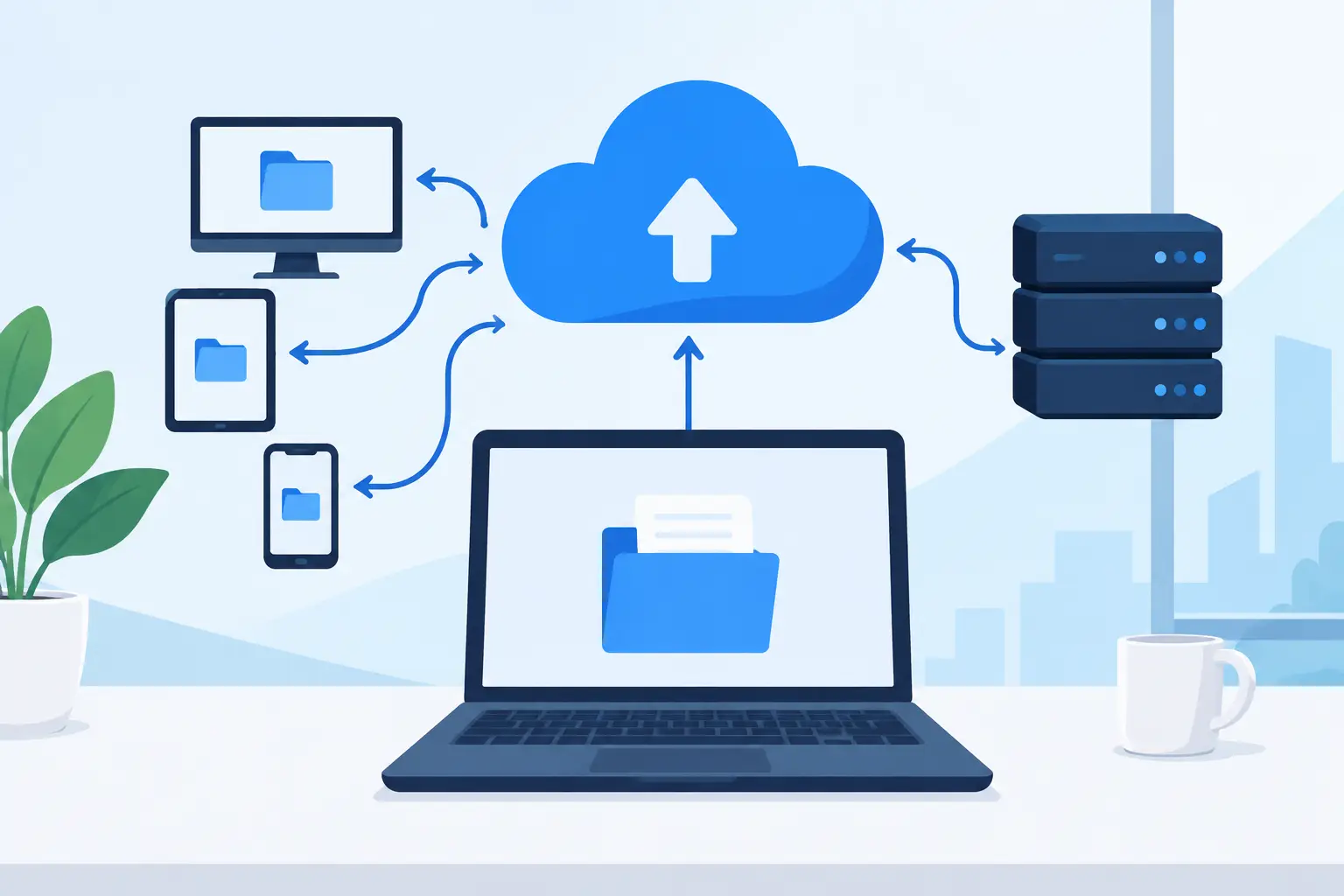
A deleted contract, a ransomware incident, or a failed server should not become a business-stopping event. Knowing how to set up cloud backups means more than copying files to online storage. It means deciding what must be recoverable, how quickly it needs to return, and who can access the backup environment when something goes wrong.
For a small business, the goal is not to build an enterprise data center. It is to create a dependable recovery plan that protects the systems your team relies on, including Microsoft 365 data, shared files, line-of-business applications, servers, and employee devices.
Start With What You Need to Recover
The first step is identifying the data and systems that would cause immediate operational or financial damage if they disappeared. Most businesses have more to protect than they realize. Shared folders may contain client records, accounting data may live on a server, and Microsoft 365 may hold years of email, Teams conversations, SharePoint documents, and OneDrive files.
Create a short inventory that records where each workload lives, who owns it, and how critical it is. Include on-premises servers, virtual machines, cloud file platforms, employee laptops, network-attached storage, and software databases. Do not assume that a device is unimportant because employees work mostly in the cloud. A laptop may hold local files, browser profiles, or configuration data that would slow an employee down for days.
Then set two practical recovery targets. Your recovery point objective, or RPO, defines how much data you can afford to lose. If accounting data changes throughout the day, a nightly backup may be insufficient. Your recovery time objective, or RTO, defines how quickly a system must be restored. A shared folder may tolerate several hours of downtime, while a business-critical application may not.
These targets shape the design and the cost. More frequent backups and faster recovery usually require more storage, better connectivity, and a more capable backup platform. There is no universal setting that suits every workload.
Cloud Storage Is Not Automatically a Backup
Cloud file sync is useful, but it is not the same as a protected backup. OneDrive, SharePoint, Dropbox, and similar tools make files accessible and support collaboration. They can also synchronize accidental deletions, file corruption, or encrypted ransomware files across connected devices.
Microsoft 365 includes retention and recycle-bin capabilities, which are valuable safeguards. They do not replace a dedicated backup strategy for every business. Retention policies are designed for governance and lifecycle management, while backup is designed for independent, point-in-time recovery. If a user, administrator, malicious actor, or configuration change affects data, a separate backup copy gives you more recovery options.
A sound setup keeps backup data separate from the production environment whenever possible. That separation matters during a compromised Microsoft 365 account, an administrator mistake, or a wider security incident.
Use the 3-2-1 Principle as a Starting Point
The 3-2-1 approach remains a practical framework: keep three copies of important data, on two types of storage, with one copy stored offsite. Cloud backup often provides the offsite copy, but a stronger modern variation adds an immutable or offline copy that cannot be easily altered or deleted.
For example, a professional services firm might maintain its active files in SharePoint, protect Microsoft 365 data through a dedicated SaaS backup service, and back up its local server to encrypted cloud storage with immutable retention. This design is more resilient than relying on one tenant, one administrator account, or one storage location.
Not every small business needs identical layers for every file. Archived marketing assets have different recovery needs than customer records or financial systems. Apply the strongest protection to the data that would create the greatest disruption, regulatory exposure, or reputational harm.
Choose a Backup Platform Based on Recovery, Not Just Price
When comparing cloud backup services, ask what the platform can restore and how the restore actually works. A low storage price does not help if recovering a server takes days or if a Microsoft 365 restore only returns files without their folder structure, permissions, or mailbox contents.
For Microsoft 365, look for coverage of Exchange Online, OneDrive, SharePoint, Teams, and, where needed, Microsoft 365 Groups. Confirm the retention period, restore granularity, search capabilities, and whether data can be restored to its original location or exported elsewhere.
For servers and virtual machines, verify whether the service supports image-level backups, file-level restores, application-aware backups, and bare-metal recovery. Database-aware backup is particularly relevant for businesses running SQL-based applications, accounting platforms, or specialized operational software.
Security controls deserve equal attention. Look for encryption in transit and at rest, multifactor authentication, role-based access, audit logging, alerting, and immutable backup options. Your backup administrator account should not simply be an ordinary employee account with a familiar password. It is a high-value target.
Set Up Cloud Backups With Separate Security Controls
A backup is only useful if an attacker cannot erase it along with the live environment. Use a dedicated backup administration account, protect it with multifactor authentication, and limit access to only the people who need it. Avoid using a single shared administrator login.
Where available, enable immutable storage or a retention lock. This feature prevents backup data from being modified or deleted until a defined retention period ends. It can be especially valuable in ransomware recovery, when attackers may try to disable jobs and delete recovery points before demanding payment.
Set alerts for failed backups, missed jobs, unusually large deletions, storage capacity issues, and changes to retention policies. Alerts should go to more than one responsible person or monitored service mailbox. A backup failure that sits unnoticed for three months is not much better than having no backup at all.
Also consider where the encryption keys are managed and what happens if an employee with administrative access leaves the company. Documentation should identify the backup platform, protected workloads, recovery procedures, account ownership, and escalation contacts without exposing passwords or recovery codes in an unsecured document.
Configure Backup Schedules and Retention Carefully
A backup schedule should match how your business works. Daily backups may be adequate for static archives, while active databases and file shares may require several backups per day. Microsoft 365 backup schedules are often handled automatically by the provider, but you should still understand the available restore points and retention settings.
Retention should reflect operational needs, contractual obligations, and industry requirements. Keeping every version of every file forever can become expensive and difficult to manage. On the other hand, a 30-day retention period may be too short to detect a slow-moving security incident or an accidental deletion discovered months later.
Many businesses use a tiered approach: frequent short-term backups for fast recovery, monthly restore points for historical protection, and longer retention for selected financial, client, or compliance-related records. The right policy depends on the data, not a generic number supplied by a vendor.
Test Restores Before You Need One
A successful backup job confirms that data was copied. It does not confirm that the business can recover. Schedule restore tests at least quarterly for critical systems and more often after major changes, such as a Microsoft 365 migration, server replacement, software upgrade, or network redesign.
Start with smaller tests. Restore a deleted Microsoft 365 mailbox item, a SharePoint folder, a OneDrive file, and a file from a server backup. Then periodically test a larger recovery, such as restoring a virtual machine to an isolated environment or recovering an application database.
Measure the actual recovery time and compare it with your RTO. If a restore takes longer than the business can tolerate, adjust the backup design before an incident forces the issue. Testing also reveals practical gaps, including missing credentials, unclear ownership, insufficient storage, or a lack of documentation.
Make Backup Ownership Part of Managed IT
Cloud backup is not a set-it-and-forget-it purchase. Staff changes, new applications, licensing changes, storage growth, and security incidents can all affect coverage. A new SharePoint site or server may never enter the backup policy unless someone is responsible for reviewing the environment.
For organizations without an internal IT department, this ongoing oversight is often where a managed IT partner provides the most value. Deep Shah IT Consulting can help businesses align Microsoft 365, Azure, endpoint security, and cloud backup into a recovery plan that is practical to operate, not merely impressive on paper.
The best time to test whether your backups work is during a planned restore on an ordinary workday. A short recovery exercise now can protect your team, your client relationships, and your ability to keep operating when an unexpected event occurs.
Need help with this?
Book a free 20-minute call — I'll tell you what needs to happen, no sales pitch.