Managed IT Versus Internal Hire for Small Business
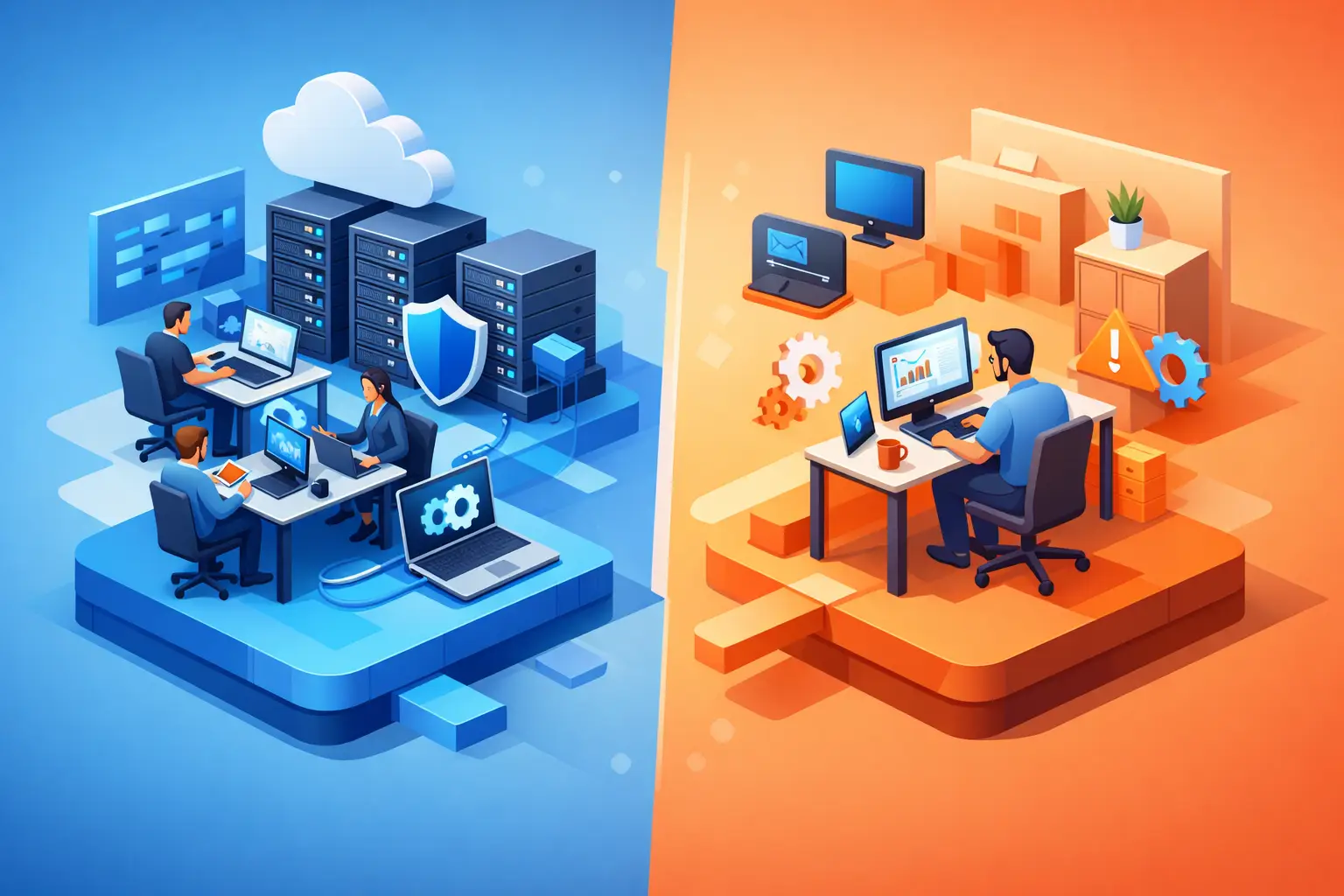
A single laptop failure, suspected phishing email, or Microsoft 365 access issue can quickly become an owner-level problem when no one owns IT. That is why the managed IT versus internal hire decision is not simply about monthly cost. It is a decision about how your business gets expertise, response coverage, cybersecurity accountability, and a plan for growth.
For many small businesses, the question arises at a turning point. The team has outgrown ad hoc support, employees are working across devices and locations, and technology decisions such as Azure migration, Microsoft Copilot, or cybersecurity controls can no longer be deferred. The right answer depends on your operational complexity, internal capabilities, and the type of technology leadership you need.
Managed IT versus internal hire: the core difference
An internal IT hire gives your organization one dedicated person who understands your people, systems, and day-to-day priorities. For a business with highly specialized software, a large on-site environment, or constant technology changes, that proximity can be valuable. An internal professional can also build institutional knowledge over time and work closely with departments as needs evolve.
Managed IT provides access to an outside technology team or advisor for a predictable monthly investment. Rather than relying on one generalist to cover every need, the business can draw on skills across help desk support, Microsoft 365 administration, cybersecurity, cloud architecture, backup planning, and vendor coordination. The model is designed to give smaller organizations consistent coverage without building a full internal IT department.
Neither model is automatically better. The mistake is treating an internal employee as a complete IT department or treating managed services as a hands-off substitute for business decisions. Both work best when responsibilities, priorities, and escalation paths are clear.
Compare the full cost, not just salary
Salary is the most visible cost of hiring internally, but it is rarely the full number. A qualified IT professional also requires benefits, payroll costs, recruiting time, training, hardware, software, and potentially certifications. If the person leaves, the business absorbs a knowledge gap and restarts the hiring process.
There is also a scope issue. One person may be capable and committed, but small-business IT is broad. The same employee may be expected to reset passwords, troubleshoot Wi-Fi, manage backups, respond to security alerts, negotiate with vendors, plan cloud projects, and advise leadership on AI. Those responsibilities require different specialties, and urgent support requests can push strategic work to the side.
Managed IT usually shifts more of that cost into a defined, recurring service fee. The value is not that all technology expenses disappear. Licensing, replacement hardware, project work, and cloud consumption still need budgeting. The advantage is better visibility into what is covered, who is accountable, and when a specialized resource is available.
A practical comparison should include the cost of downtime. If a payroll system is inaccessible, a file share is compromised, or an executive is locked out of email before a client deadline, the financial impact can exceed the apparent savings of a lower-cost support arrangement.
Security coverage is often the deciding factor
Cybersecurity is where the limits of a one-person model become most visible. A capable internal IT employee can build strong security practices, but no individual can actively monitor every risk, stay current on changing threats, handle user support, and still complete planned technology work without priorities competing.
A managed IT relationship should create a repeatable security baseline. That commonly includes managed endpoint protection, multi-factor authentication, patch management, backup verification, device policies, user access reviews, and guidance after suspicious activity. For businesses using Microsoft 365, the details matter: identity controls, email protection, conditional access, and recovery planning should be configured for the way the company actually operates.
The quality of the provider matters as much as the model. Ask who reviews alerts, how incidents are escalated, what is included in the service agreement, and how often security recommendations are reviewed with leadership. “We have antivirus” is not a cybersecurity strategy.
When an internal IT hire makes sense
An internal hire becomes more compelling when technology is central to daily operations and requires regular in-person attention. A company with a larger employee count, complex line-of-business applications, dedicated infrastructure, frequent onboarding, or tightly controlled operational environments may benefit from someone on staff.
It can also make sense when the business needs a technology leader embedded in planning discussions every day. For example, an organization building proprietary systems or managing significant data workflows may need an internal owner who can translate business goals into ongoing technical priorities.
Even then, one hire may not eliminate the need for external support. Internal IT teams often use managed providers for after-hours monitoring, cybersecurity expertise, cloud projects, specialist troubleshooting, or additional capacity during major changes. A hybrid model can protect the internal employee from becoming the sole point of failure.
When managed IT is the stronger fit
Managed IT is often the practical choice for small and growing companies that need dependable support but do not require a full-time technologist on-site every day. It gives leadership a way to establish standards before technology problems become expensive disruptions.
This is especially relevant when your environment relies on Microsoft 365, cloud applications, remote access, and employee devices rather than a large server room. A managed IT partner can address daily support while helping the business make better decisions about Azure cloud, data protection, endpoint security, and collaboration tools.
For a professional services firm, this might mean protecting client data, making shared files easier to access, and reducing email-related risk. For an operational business, it may mean keeping devices, networks, and business applications dependable across locations. The business outcome is the same: fewer technology interruptions and more confidence that IT supports the work rather than slowing it down.
Do not overlook strategic guidance
Support is necessary, but support alone is not enough. A business can have fast ticket resolution and still be running outdated systems, paying for unused licenses, or exposing itself to avoidable risk. The better managed IT relationships include regular planning conversations that connect technical work to business priorities.
That guidance is increasingly relevant for Azure and AI. Moving workloads to Azure should be based on application needs, security requirements, cost controls, and recovery objectives, not a generic migration checklist. Microsoft Copilot also needs more than a license assignment. Before introducing it, organizations should understand who can access sensitive information, whether SharePoint and Teams permissions are organized, and which workflows will benefit first.
An internal employee may provide this strategic direction if they have the time and experience. If not, a Microsoft-certified advisor can bring architecture and implementation expertise that would be difficult for a small business to hire for full-time.
Questions to ask before choosing
Start with your current pain points. Are employees losing time waiting for help? Are security responsibilities unclear? Do you need someone on-site routinely, or do you need broader expertise when a problem or project appears? Honest answers will reveal whether the gap is capacity, specialization, leadership, or all three.
Then examine your next 12 to 24 months. If you expect rapid hiring, office changes, cloud migration, compliance requirements, or AI adoption, choose a model that can scale with those plans. A low monthly rate is not a win if it leaves essential project work unplanned.
Finally, ask how your business would operate if its primary IT contact were unavailable for a week. If that scenario creates significant risk, build redundancy into your approach. Managed services can offer it through a team model, while internal teams can create it through documentation, cross-training, and specialized outside support.
For small businesses in Hamilton, Burlington, Waterdown, Oakville, Milton, and the wider GTA, local access can be useful when an on-site issue needs attention. But proximity should complement, not replace, technical capability, clear communication, and a disciplined service process.
Choose the model that gives you accountable coverage
The best choice is the one that gives your business the right level of responsiveness today while preparing it for the technology decisions ahead. If a full-time internal hire would spend most of the week on routine support and still lack time for cybersecurity, cloud planning, and AI readiness, managed IT may provide more practical value. If your operations need daily, hands-on technology ownership, an internal hire or hybrid approach may be justified.
A free discovery call can help turn that decision into a clear scope of needs, risks, and priorities. The goal is not to add technology for its own sake. It is to give your team reliable tools, better protection, and a technology plan that is ready when your business needs to move.
Need help with this?
Book a free 20-minute call — I'll tell you what needs to happen, no sales pitch.