Microsoft 365 Versus Google Workspace for SMBs
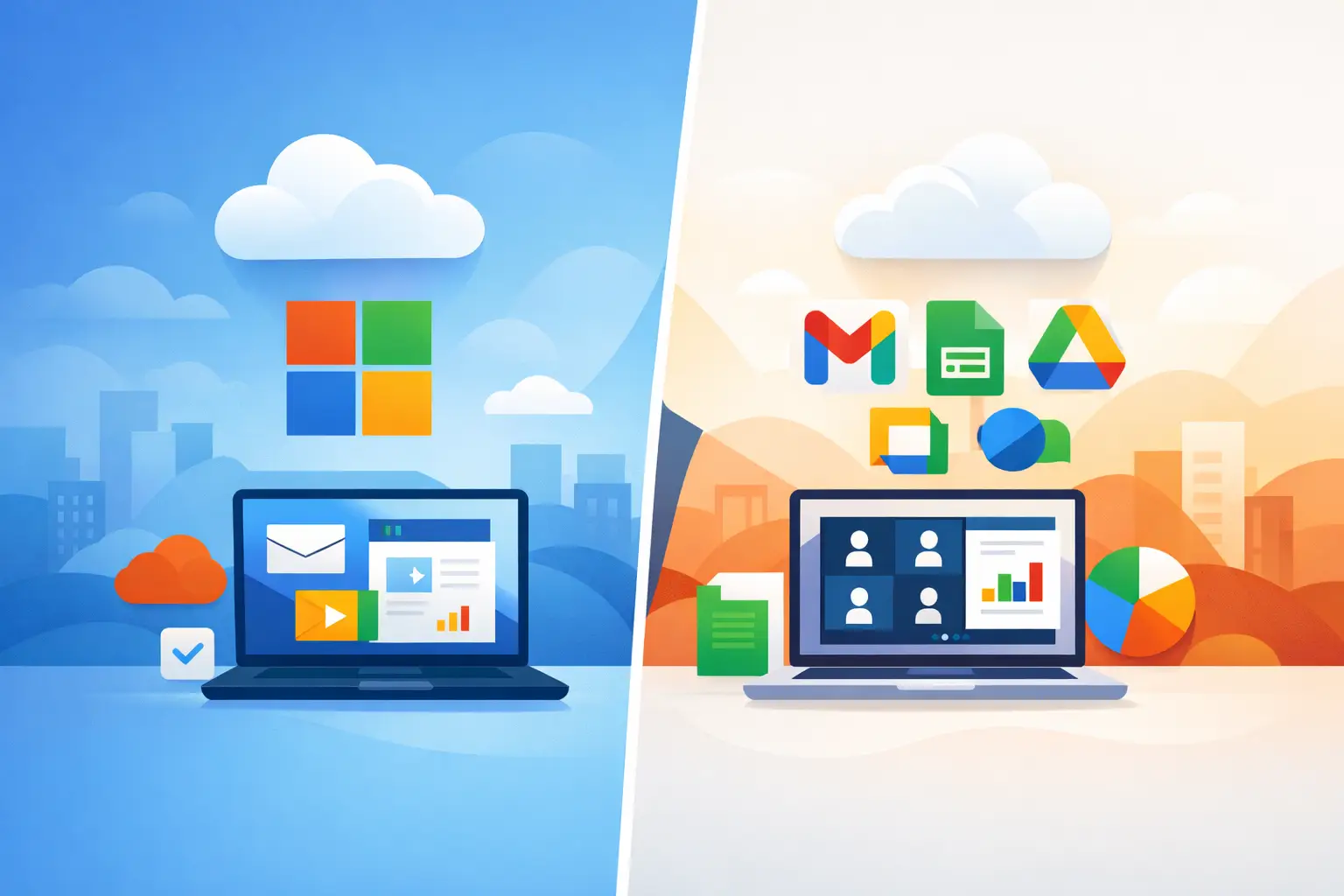
A platform decision can shape far more than email. It affects how employees share files, protect client information, work from mobile devices, and adopt AI. When comparing Microsoft 365 versus Google Workspace, small-business leaders should look past familiar apps and focus on the operating model that best supports their team.
Both platforms are capable cloud productivity suites. The better choice depends on your existing systems, security requirements, document workflows, internal IT capacity, and growth plans. For many organizations, the wrong decision is not choosing Microsoft or Google. It is subscribing to a platform without properly configuring identity, data protection, backups, and user adoption.
Microsoft 365 versus Google Workspace: the core difference
Microsoft 365 is often the more natural fit for businesses built around desktop productivity, Microsoft Office files, Windows devices, and structured security controls. Its core applications include Outlook, Word, Excel, PowerPoint, Teams, OneDrive, and SharePoint. Depending on the plan, it can also support device management through Intune, identity controls through Microsoft Entra ID, advanced threat protection through Microsoft Defender, and Microsoft Copilot capabilities.
Google Workspace centers on Gmail, Google Drive, Docs, Sheets, Slides, Meet, and Chat. It is designed around browser-based work and real-time file collaboration. Teams can co-edit a document quickly with minimal setup, and the interface is familiar to many employees who already use personal Google accounts.
Neither approach is automatically better. A creative agency with a distributed team and lightweight document needs may appreciate Google Workspace's simplicity. A professional services firm that depends on Excel, desktop Office applications, Microsoft Teams meetings, and managed Windows laptops may find Microsoft 365 more complete.
Email and everyday collaboration
Email is usually the first concern, particularly for businesses moving away from an older mail server or a consumer email service. Microsoft 365 uses Exchange Online and Outlook, while Google Workspace uses Gmail with a business domain. Both provide reliable business email, shared calendars, mobile access, spam filtering, and shared contacts.
The practical difference is often user preference and workflow. Outlook is powerful for people who manage complex calendars, shared mailboxes, delegated inboxes, and detailed scheduling. Gmail is often easier for teams that prefer conversation-based email, labels, and a browser-first experience.
For meetings and messaging, Microsoft Teams is deeply connected to the rest of Microsoft 365. A Teams channel can bring together chats, meetings, files, tasks, and SharePoint-based collaboration. This is useful when a business wants a more organized digital workspace instead of a collection of separate applications.
Google Meet and Chat work well for straightforward video calls and informal communication. However, companies that need more formal project spaces, extensive meeting governance, external collaboration controls, or integration with Microsoft documents often find Teams more suitable after proper setup.
Documents, spreadsheets, and file management
This is where the comparison often becomes clearer. Google Docs, Sheets, and Slides are excellent for simple, simultaneous editing. They reduce version confusion because the default behavior is to work in one shared cloud document. For teams producing proposals, basic reports, meeting notes, and collaborative drafts, this can be very effective.
Microsoft 365 remains the stronger choice when document formatting, complex spreadsheets, financial models, advanced presentations, or established Office templates matter. Excel has capabilities that Google Sheets does not fully replicate, particularly for advanced formulas, large datasets, Power Query, macros, and specialized reporting.
Many businesses already have years of Word, Excel, and PowerPoint files. Moving those files into Google Drive does not necessarily mean they will behave exactly as intended in Google applications. Formatting changes, formula limitations, and version compatibility can create friction, especially in accounting, legal, engineering, consulting, and operations-heavy environments.
File storage deserves separate attention. OneDrive is intended for individual work files, while SharePoint supports shared team and department files with permissions, retention policies, and structured access. Google Drive offers My Drive and Shared Drives with a simpler model. Both can work well, but neither should be treated as an ungoverned dumping ground. A clear folder structure, ownership model, access review process, and backup strategy are essential.
Security is more than the platform name
A business can have Microsoft 365 or Google Workspace and still be exposed to phishing, account takeover, accidental data sharing, and ransomware-related disruption. Security depends on configuration, licensing, employee awareness, and ongoing management.
Both platforms support multi-factor authentication, conditional access concepts, audit logs, mobile controls, and data protection features at varying subscription levels. The exact features available depend heavily on the plan selected. Buying the lowest-cost license without understanding its limitations is a common mistake.
Microsoft 365 has a particular advantage for organizations that want to manage Windows computers, mobile devices, user identities, and security alerts through a more unified Microsoft ecosystem. With the appropriate licensing and deployment, Microsoft Intune can enforce device compliance and security policies, while Microsoft Defender can improve endpoint and email threat visibility.
Google Workspace can also be secured effectively, especially in organizations using browser-based tools and a mix of device types. But decision-makers should confirm how they will manage company laptops, personal devices, external sharing, departed employees, and sensitive information before committing.
The critical question is not, "Does this platform have security features?" It is, "Who will configure, monitor, document, and maintain them?" A security control that is never reviewed is not a reliable control.
AI capabilities: Copilot and Gemini need a business case
Microsoft Copilot and Google Gemini have made the suite comparison more interesting, but AI should not be the sole reason to choose a platform. Both can help summarize content, draft emails, create meeting notes, analyze information, and speed up routine work. Their value depends on the quality and accessibility of your business data.
Microsoft Copilot can be compelling for organizations that work heavily in Outlook, Teams, Word, Excel, SharePoint, and other Microsoft applications. It can help employees find relevant internal information and produce first drafts within the tools they already use. That convenience also creates a governance requirement: permissions, sensitive data, and SharePoint structure should be addressed before broad AI rollout.
Google Gemini is attractive for teams that already live in Gmail, Docs, Drive, and Meet. It can make browser-based collaboration faster and more accessible. As with Copilot, the right approach is to begin with defined use cases rather than simply enabling AI for everyone.
Useful early use cases include drafting client follow-ups, summarizing internal meetings, preparing proposal outlines, analyzing recurring spreadsheet tasks, and creating first-pass procedures. Businesses should set expectations that AI output requires human review, particularly for client advice, financial information, legal matters, and confidential data.
Administration, support, and long-term fit
The administration experience is an overlooked part of Microsoft 365 versus Google Workspace. Google Workspace is often easier to get started with for a small team. Microsoft 365 can involve more planning, but that complexity can be worthwhile for businesses that need granular controls, a managed device strategy, or deeper Microsoft integration.
Microsoft 365 is usually the better long-term fit when a company relies on Windows, Office desktop applications, Excel, Teams, or Microsoft-based line-of-business systems. It is also a strong option for organizations planning to use Azure, Intune, Defender, or Copilot as part of a broader technology strategy.
Google Workspace may be the better fit when a business prioritizes simple browser-based collaboration, has limited dependence on complex Office files, and prefers a lighter administrative model. It can also make sense for startups and teams where most work happens in web applications rather than desktop software.
Cost should be evaluated as a total operating cost, not only a monthly per-user price. Consider license tiers, desktop applications, endpoint protection, device management, backup, migration work, training, and the cost of solving problems when no one owns the platform. A lower subscription price can become expensive if security and support are treated as afterthoughts.
Make the decision based on your actual workflows
Before selecting a suite, assess four areas: the applications your employees use every day, the complexity of your existing files, the devices you need to secure, and the level of IT administration your business requires. Also review whether your key software integrates more naturally with Microsoft or Google identity and storage tools.
If you are migrating from an existing email environment, plan the project carefully. A successful migration includes domain setup, mailbox and file transfer, permissions mapping, multi-factor authentication, user communication, testing, and post-migration support. The objective is not simply moving email. It is giving the business a stable, secure platform on day one.
For small and medium-sized businesses that need a Microsoft-focused roadmap, Deep Shah IT Consulting can help evaluate Microsoft 365 licensing, plan migrations, configure security, deploy Intune and Defender, and build practical Copilot use cases. A short discovery call can clarify whether Microsoft 365 fits your workflows or whether Google Workspace is the better operational choice.
Choose the platform your team can use confidently, secure consistently, and manage without creating more work than it removes.
Need help with this?
Book a free 20-minute call — I'll tell you what needs to happen, no sales pitch.