What Is Dark Web Monitoring for Small Businesses?
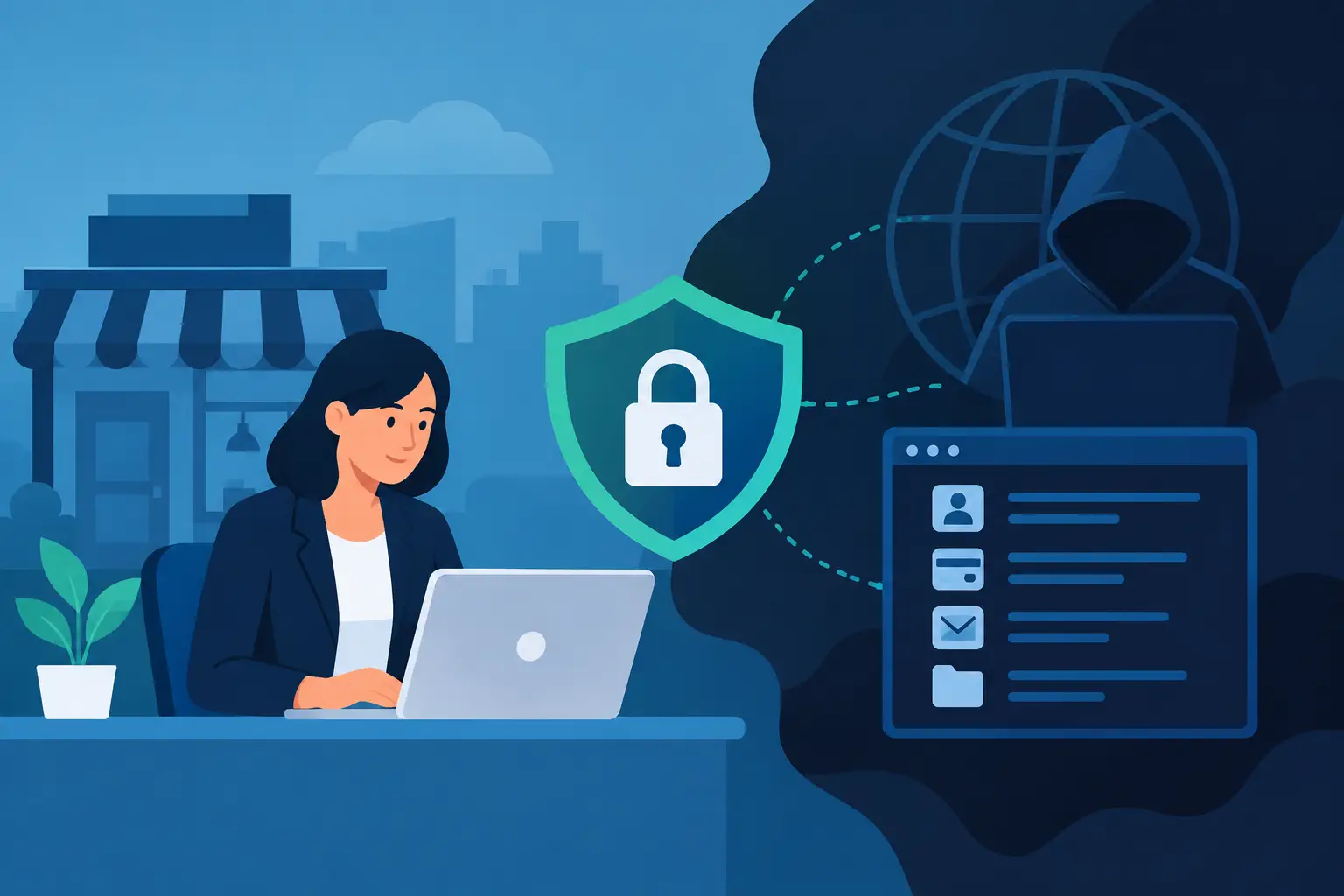
A former employee’s old Microsoft 365 password, a reused vendor login, or a customer record exposed in a third-party breach can become an entry point long after everyone assumes the issue is closed. That is the practical reason small businesses ask, what is dark web monitoring? It is an early-warning capability that looks for signs that company credentials, employee email addresses, and other sensitive information have appeared in criminal marketplaces, leak repositories, and other high-risk online sources.
For a business owner, the value is not in seeing the dark web. It is in receiving a useful alert early enough to reset a password, revoke access, investigate affected accounts, and reduce the chance that exposed data turns into a successful attack.
What Is Dark Web Monitoring?
Dark web monitoring is a cybersecurity service that searches sources associated with stolen or leaked data for information tied to your organization. Depending on the service, it may monitor business email domains, usernames, passwords, phone numbers, credit card details, employee identities, and sometimes company-specific keywords.
The term “dark web” is often used broadly. In practice, monitoring can cover several places where compromised information surfaces: dark-web forums and marketplaces, breach databases, paste sites, public leak sites, and criminal channels that security providers can lawfully observe. The goal is not to access every hidden corner of the internet. No vendor can credibly promise that. The goal is to identify known exposures that create a credible risk to your business.
A typical alert might say that an employee’s work email address and password appeared in a dataset. That does not automatically mean an attacker can access the employee’s current account. The password may be old, the account may have been protected by multi-factor authentication, or the information may be inaccurate. Still, the alert gives your IT team a reason to verify the account and take proportionate action.
Why Stolen Credentials Matter to Small Businesses
Many cyberattacks do not begin with a sophisticated technical exploit. They begin with a valid username and password. Attackers buy or collect credentials from prior breaches, then test them against Microsoft 365, remote-access portals, accounting platforms, cloud storage, payroll systems, and line-of-business applications.
This technique is effective because password reuse remains common. An employee may use a work email address to create an account with an unrelated service, then reuse a similar password at work. If that outside service is breached, criminals may try the same credentials against business systems. This is known as credential stuffing.
For a small or midsize business, a compromised account can lead to more than an inconvenient password reset. It can support business email compromise, fraudulent invoice requests, mailbox rule abuse, data theft, ransomware reconnaissance, or impersonation of an executive or vendor. The financial and operational impact often comes from what an attacker does after gaining access, not from the initial login itself.
Dark web monitoring helps shorten the time between exposure and response. It is one layer in a broader cybersecurity program, alongside strong identity controls, endpoint protection, backups, staff awareness, and clear incident-response procedures.
What Dark Web Monitoring Can and Cannot Do
Monitoring is valuable when expectations are realistic. It can identify that information linked to your business has appeared in a source your security provider tracks. It can prioritize exposed accounts, provide context about the type of data found, and trigger a response before someone reports suspicious activity.
It cannot remove information from criminal forums or guarantee that attackers will not use it. It also cannot detect every breach immediately. Data may be held privately, sold in closed groups, mislabeled, encrypted, or posted weeks or months after it was stolen. An alert is evidence to investigate, not proof that a current system has been breached.
There is also a privacy consideration. A responsible program should define what information is being monitored, who receives alerts, how long findings are retained, and how employee data is handled. Businesses should avoid treating monitoring as a reason to collect more personal information than they need.
The most useful question is not, “Are we on the dark web?” Most organizations will eventually find an employee email address in a breach database. The better question is, “What can this finding enable, and what control reduces that risk now?”
How the Monitoring Process Works
A managed provider or security platform first establishes the identifiers connected to your organization. For many businesses, the starting point is the company email domain and active employee accounts. Higher-risk roles such as finance, executive leadership, IT administration, and payroll deserve particular attention because their accounts are common targets for fraud.
The monitoring platform compares those identifiers against newly discovered and existing exposure data. When it finds a match, it generates an alert with whatever context is available. The alert may identify an email address, the source or date of a breach, the kind of information exposed, and whether a password was included.
The response should then be guided by risk. If a password may be current or has been reused, reset it promptly and invalidate active sessions where appropriate. Review sign-in logs, mailbox rules, forwarding settings, MFA methods, recent application consent, and privileged access. If an executive or finance account is involved, verify payment and invoice approval processes as well.
For organizations using Microsoft 365, Microsoft Entra ID protections, Conditional Access, and Microsoft Defender can provide important supporting controls. Multi-factor authentication can stop many password-only login attempts. Conditional Access can restrict risky or unfamiliar sign-ins. Defender tools can help investigate suspicious activity across email, identities, and devices. Monitoring tells you where to look; properly configured controls help limit what an attacker can do.
A Practical Response to an Exposure Alert
Not every alert needs the same response, but every alert should have an owner. If the message sits in an unmanaged inbox, it becomes another security notification that no one acts on until it is too late.
Start by confirming whether the account is active and whether the exposed password could still be relevant. Require a password reset if there is any reasonable concern about reuse. Confirm that multi-factor authentication is enabled and that the registered authentication methods belong to the right person. A changed phone number or unfamiliar authenticator registration can be a sign of account takeover.
Next, look for unusual account activity. Review sign-in locations and devices, suspicious forwarding rules, unexpected OAuth applications, unusual file downloads, and administrative changes. The depth of the investigation depends on the account’s role and the evidence available. A former employee’s disabled account presents a different risk from a current controller with access to banking workflows.
Finally, record the finding and the action taken. This creates a useful security history and helps reveal patterns. If repeated alerts involve the same department, application, or type of password reuse, that is a signal to improve training, access policies, or password-manager adoption.
When Dark Web Monitoring Is Worth Adding
Dark web monitoring is especially useful for businesses that rely on cloud email, remote access, online accounting, client portals, or vendors that exchange sensitive information by email. It is also a sensible addition when the business has no internal security team watching identity alerts and breach notifications.
It does not need to be an expensive standalone project. For many small businesses, it makes the most sense as part of managed IT and cybersecurity services, where alerts are paired with a documented response process. The service has less value if the business receives alerts but lacks someone who can assess Microsoft 365 accounts, endpoints, and network access quickly.
The right level of monitoring depends on your industry, the sensitivity of your data, and the systems connected to employee identities. A professional services firm handling client records may need closer oversight than a company with limited online systems. Either way, the core security basics should come first: MFA, least-privilege access, prompt offboarding, managed devices, tested backups, and ongoing patching.
Dark Web Monitoring Is an Early Warning, Not a Safety Net
Think of an exposure alert as a smoke alarm, not a fireproof building. It gives your business a chance to respond before a stolen credential becomes an email takeover, fraudulent payment request, or broader security incident. Its real value comes from what happens after the alert.
For small businesses in the Hamilton, Burlington, Oakville, and Toronto area, Deep Shah IT Consulting can help connect dark web monitoring to practical Microsoft 365 security, identity protection, and managed IT response. A free discovery call can clarify which controls would reduce the most meaningful risks in your environment before the next exposed credential becomes someone else’s opportunity.
Need help with this?
Book a free 20-minute call — I'll tell you what needs to happen, no sales pitch.