Best Endpoint Protection for Offices That Fits
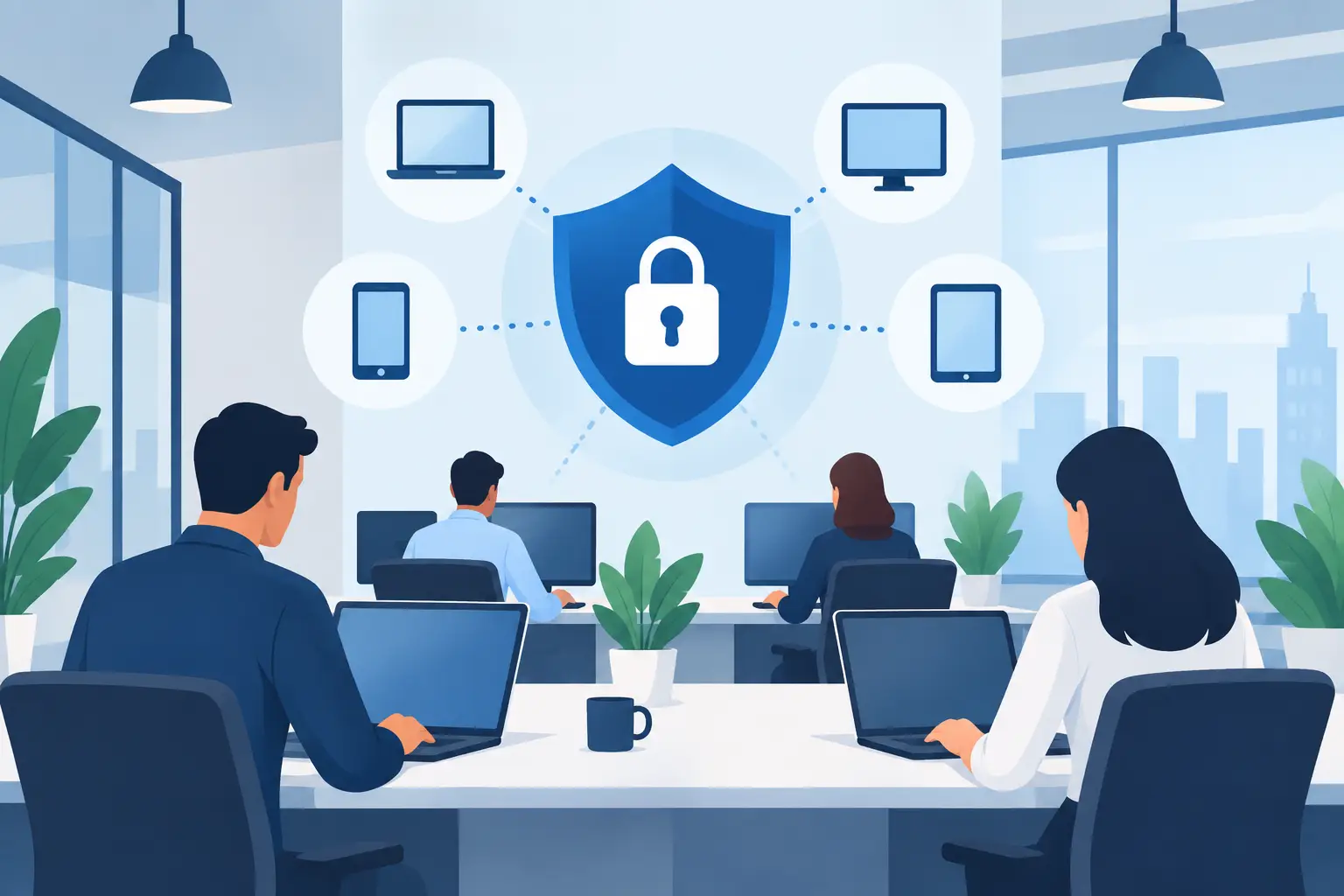
A single compromised laptop can become an expensive business interruption. It can expose Microsoft 365 accounts, shared files, client information, passwords, and financial systems long before anyone realizes something is wrong. The best endpoint protection for offices is not simply the product with the longest feature list. It is the protection your team can deploy consistently, monitor properly, and use to contain an incident quickly.
For small and mid-sized organizations, the strongest answer is often a Microsoft-centered security stack: Microsoft Defender for Business or Microsoft Defender for Endpoint, combined with Microsoft Intune for device management and Microsoft 365 security controls. That recommendation is not automatic for every company. The right choice depends on your devices, licensing, internal IT capacity, compliance obligations, and how much hands-on security support you need.
What Endpoint Protection Needs to Do
Endpoint protection secures the devices people use to access company resources: Windows PCs, Macs, laptops, mobile devices, and sometimes servers. Traditional antivirus focuses on identifying known malicious files. Modern endpoint protection goes much further by monitoring behavior, analyzing suspicious activity, blocking risky actions, and helping IT investigate what happened after an alert.
A capable platform should prevent common threats such as malware, ransomware, phishing-delivered files, credential theft, malicious browser activity, and unauthorized software. It should also give the business a clear response path. If a laptop is infected, can it be isolated from the network? Can IT see which user signed in, what files were affected, and whether the same threat reached other devices?
Those questions matter more than a detection-rate claim on a product comparison page. An office may have good security software installed, yet still be exposed because several laptops are missing updates, employees have local administrator rights, or no one reviews the alerts.
Best Endpoint Protection for Offices: The Practical Choice
Microsoft Defender for Business is a strong fit for many offices with up to 300 users, particularly those already using Microsoft 365 Business Premium. It brings enterprise-grade endpoint detection and response capabilities into a package that makes sense for smaller organizations. Business Premium also includes identity protections, email security controls, and Intune, which helps turn endpoint protection into a managed security program rather than an isolated antivirus installation.
For larger organizations, more complex environments, or businesses with advanced security requirements, Microsoft Defender for Endpoint Plan 2 offers deeper investigation, threat hunting, and security operations capabilities. The better option is not always the more advanced license. If nobody has the time or expertise to investigate detailed alerts, paying for capabilities that remain unused does not reduce risk.
The real value of the Microsoft approach is integration. A suspicious device alert can be viewed alongside identity activity, email events, cloud application access, and device compliance data. When an employee clicks a malicious link, the security team can trace the path from email to browser to endpoint rather than reviewing disconnected tools from multiple vendors.
That said, Microsoft Defender is not the only credible choice. Products from vendors such as SentinelOne, CrowdStrike, Sophos, and Huntress can be appropriate in certain environments. A business may choose an alternative because it needs a specific managed detection and response service, has a mixed technology stack, uses security tools from that vendor already, or prefers its reporting and support model. The important point is to assess the operating model, not just the software name.
Why Antivirus Alone Falls Short
Many offices still rely on basic antivirus installed years ago, often with no central reporting or device inventory. This creates a false sense of security. If an employee takes a company laptop home, installs unapproved software, delays updates, or signs in from a compromised network, basic antivirus may not provide enough visibility or control.
Modern endpoint protection should include endpoint detection and response, often called EDR. EDR records security-relevant events and detects behavior that may indicate an attack, even when the malicious file itself is new or unknown. For example, it can flag unusual attempts to encrypt files, suspicious PowerShell activity, or credentials being used in an unexpected way.
Protection also needs central management. Your IT provider or internal administrator should be able to verify that every device is enrolled, protected, patched, encrypted, and receiving current policies. A dashboard showing 95 percent coverage is not reassuring if the missing 5 percent includes the computer used for payroll or executive banking access.
Device Management Is Part of Security
Endpoint protection is substantially more effective when paired with mobile device and endpoint management. Microsoft Intune allows an organization to apply consistent security settings across company devices without manually configuring each computer.
For an office environment, useful baseline controls typically include full-disk encryption with BitLocker, automatic operating system updates, screen-lock requirements, browser security settings, removal of unnecessary local administrator access, and compliance policies for access to Microsoft 365. If a device falls out of compliance, such as when its encryption is disabled or its operating system is outdated, it can be prevented from accessing company email and files until it is remediated.
This matters because attackers do not always break in through a dramatic malware event. They frequently use stolen passwords. Conditional access policies, multifactor authentication, and compliant-device requirements reduce the value of a stolen password by requiring more than a valid username and password to reach sensitive resources.
There is a trade-off. Strict policies can frustrate employees if they are introduced without planning. A successful rollout considers which users need local administrative access, whether personal devices can access company data, how remote staff work, and what happens when a laptop is replaced or lost. Security should make unsafe behavior harder without making routine work unnecessarily difficult.
What to Look for Before You Buy
Start with an inventory, not a license quote. Count your Windows devices, Macs, mobile devices, and servers. Identify remote workers, personal devices accessing company email, shared workstations, and any line-of-business systems that could be affected by aggressive security policies.
Then look at the capabilities that directly affect your risk:
- Central visibility into device health, alerts, and protection status
- EDR with the ability to isolate an infected device
- Ransomware and tamper protection
- Patch management for operating systems and common third-party applications
- Full-disk encryption and recovery key management
- Integration with multifactor authentication, email security, and Microsoft 365
- A defined human response process for high-severity alerts
The last item is frequently overlooked. Security software can generate alerts at any hour. Decide who receives them, what qualifies as urgent, how an affected device is isolated, and how employees should report suspicious activity. If the answer is “we will figure it out if it happens,” the security plan is incomplete.
Avoid the Common Deployment Gaps
Even good platforms fail when deployed as a quick install. One common gap is inconsistent onboarding. New machines may be protected while older laptops, executive devices, or replacement PCs are left outside the management platform. Another is licensing confusion, where a business assumes its Microsoft 365 plan includes advanced endpoint protection when it does not.
Alert fatigue is also a concern. Overly aggressive settings can create a flood of low-value notifications, which makes staff less likely to notice a meaningful incident. Conversely, turning off protections because they interfere with a legacy application may create a serious opening. The right approach is to document exceptions, apply compensating controls, and review whether that legacy system should remain in use.
Backups deserve equal attention. Endpoint protection can stop or contain ransomware, but no security tool can promise that every attack will be prevented. Tested backups, protected from routine user access, give the business a recovery option when prevention fails.
Turning Security Software Into a Managed Service
Small businesses rarely need a full internal security operations center, but they do need ownership. A managed IT partner can deploy the endpoint platform, configure policies, enroll devices, review alerts, manage exceptions, and maintain documentation. This is especially useful when an office has no dedicated IT employee or when its internal team is focused on supporting users and business applications.
At Deep Shah IT Consulting, endpoint protection is typically considered alongside Microsoft 365 licensing, Intune configuration, identity security, backup, and ongoing managed IT support. That broader view helps prevent the familiar situation where each security tool is working independently but no one has responsibility for the overall risk picture.
A sensible next step is to review the devices that access your business data, confirm what protection is already included in your Microsoft licensing, and test whether your response process works before a real incident forces the issue.
Need help with this?
Book a free 20-minute call — I'll tell you what needs to happen, no sales pitch.