Break Fix Versus Managed Services: Which Fits?
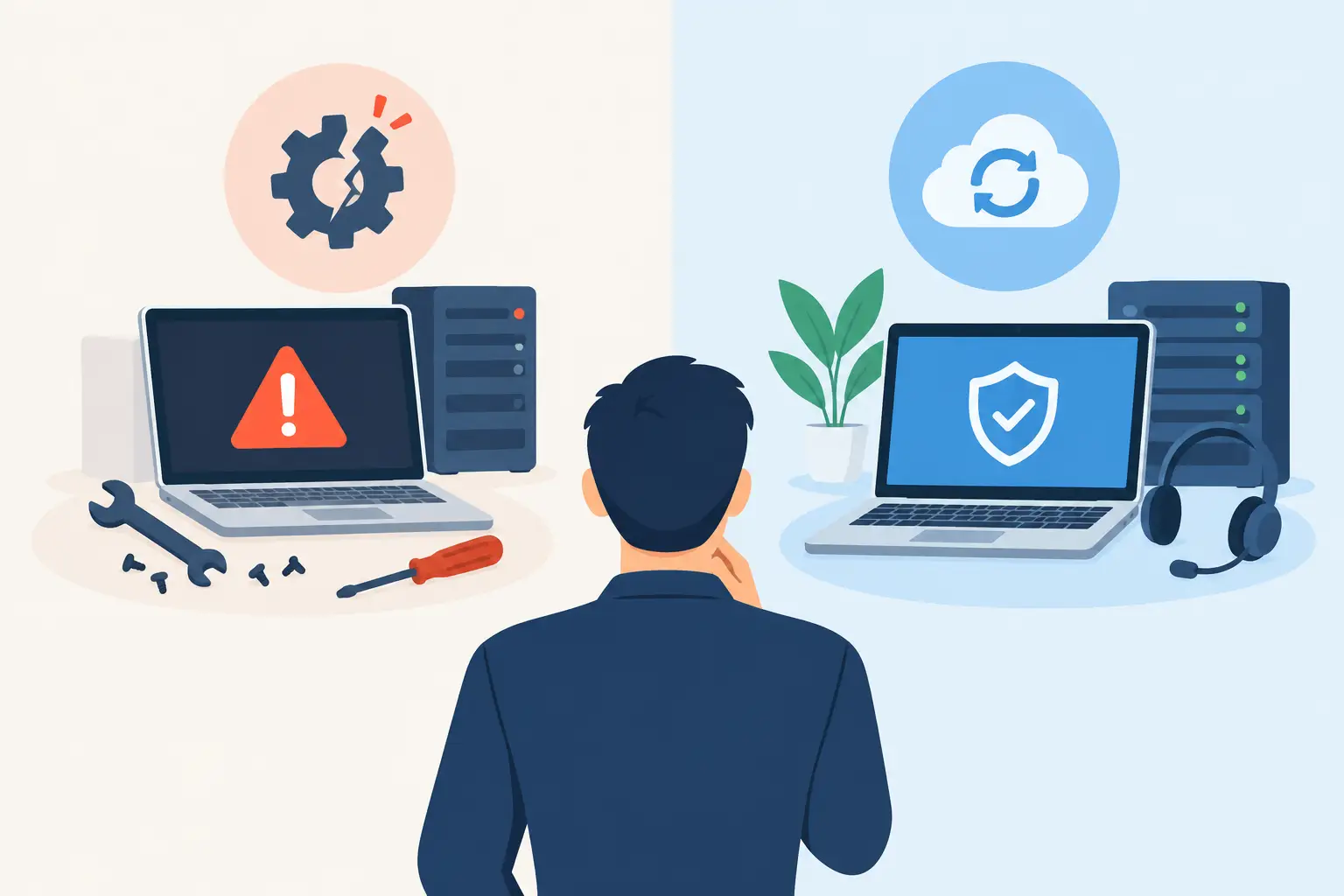
A server fails on a Monday morning, staff cannot access files, and a technician is called after the disruption has already begun. That is the familiar reality behind break fix versus managed services. The choice is not simply about how you pay for IT. It shapes how much downtime your business accepts, how well your data is protected, and whether technology supports growth or repeatedly interrupts it.
For many small businesses, break-fix support feels sensible at first. You pay only when there is a problem, which can appear less expensive than a monthly agreement. But as Microsoft 365, cloud applications, remote access, cybersecurity, and AI tools become part of daily operations, the cost of waiting for something to break can rise quickly.
What break-fix IT support actually means
Break-fix IT is reactive support. A business contacts an IT provider when a computer stops working, Wi-Fi drops, email becomes inaccessible, or a ransomware warning appears. The provider investigates, proposes a repair, and bills for the time, materials, or project work required.
This model can work for a very small organization with limited technology, low dependence on systems, and an owner who is comfortable accepting occasional interruptions. It can also be appropriate for a defined project, such as replacing a firewall, setting up a new office network, or completing a Microsoft 365 migration.
The issue is that break-fix providers are usually engaged after the business impact has occurred. There may be no routine monitoring to identify a failing hard drive, no review of whether backups are restorable, and no consistent process for patching devices or removing access when an employee leaves. Each request starts with diagnosis, often under pressure.
That creates an unpredictable relationship. A quiet month may mean low IT spending, but it does not necessarily mean your systems are healthy. It may simply mean a hidden risk has not surfaced yet.
How managed IT services change the model
Managed IT services are built around ongoing responsibility rather than one-time repair. For a predictable monthly fee, the provider monitors and maintains agreed-upon systems, supports users, manages security controls, and provides guidance on technology decisions.
The exact scope varies. A useful managed services agreement should clearly define what is included, response expectations, supported devices and users, security responsibilities, and work that falls outside the monthly plan. It should not be a vague promise that "everything IT" is covered.
For a small business using Microsoft 365, a managed approach commonly includes user support, device management, patching, endpoint protection, identity and access management, backup oversight, and documentation. It may also include planning for Azure services, Microsoft Intune deployment, Microsoft Defender configuration, network improvements, or business continuity.
The practical difference is proactive work. Instead of discovering during a crisis that multi-factor authentication was not enforced, a managed provider helps establish it before an account is compromised. Instead of learning after a laptop is lost that company data was stored locally, device policies and encryption can be put in place ahead of time.
Break fix versus managed services: the business trade-offs
Neither model is automatically right for every organization. The better choice depends on your operations, risk tolerance, internal capabilities, and plans over the next 12 to 24 months.
Cost: lower invoices versus predictable investment
Break-fix support can have a lower immediate cost because you are not paying for ongoing coverage. That may suit a business with a handful of users, simple software needs, and no regulatory or client-driven security requirements.
However, break-fix costs are difficult to forecast. A failed server, major email issue, security incident, or urgent after-hours repair can turn a modest IT budget into an unplanned expense. It also excludes the cost of lost productivity. If ten employees cannot work effectively for half a day, the real cost is more than the technician's invoice.
Managed services move more IT spending into a recurring operating expense. You know more of what you will pay each month, while preventative maintenance and support are handled as part of the service. It is not always the cheapest line item, but it is often easier to budget for and easier to evaluate against downtime and risk.
Security: response after exposure versus ongoing control
Cybersecurity is where the limits of break-fix become especially clear. An IT provider can remove malware or restore files after an attack, but recovery is not the same as prevention. A business may still face interrupted operations, fraud attempts, reputation damage, and the time required to notify customers or investigate what happened.
Managed support allows security to become a routine discipline. That can include multi-factor authentication, Microsoft Defender for Business, device encryption, conditional access policies, software updates, secure backups, phishing awareness, and regular reviews of administrator access.
Technology alone is not enough. The right controls depend on your business, data, users, and software. A professional services firm handling sensitive client information may need stronger identity and retention controls than a small operation with limited personal data. Managed services provide a structure for making those decisions consistently rather than only after an incident.
Uptime: repairing failures versus reducing them
No provider can promise that hardware, internet connections, or cloud services will never have an issue. The goal of managed IT is more realistic: reduce avoidable failures, spot warning signs earlier, and make recovery faster when a problem occurs.
Monitoring can flag low disk space, backup failures, aging equipment, suspicious sign-in activity, or devices that have not received critical updates. Documentation means support does not begin with a search for passwords, network diagrams, or vendor contacts. Standardized systems also make it easier to add employees, replace devices, and support hybrid work.
With break-fix support, the quality of the eventual repair can be excellent. But the business has less assurance that someone is watching for the next preventable problem.
When break-fix is still a reasonable choice
Break-fix is not obsolete. It can be the right fit when your business has a capable internal IT employee who handles day-to-day maintenance and only needs specialized assistance. It can also make sense for a one-time initiative, a short-term technical need, or a business with very limited technology exposure.
It may be reasonable if the organization can tolerate downtime without significant operational or financial consequences. A business that can pause work for a day is in a different position from a law firm, healthcare-adjacent practice, logistics company, or professional services team that depends on secure access to documents and email throughout the day.
The key is to make that decision deliberately. Choosing break-fix because there have not been recent problems is different from choosing it after assessing your systems, backups, cybersecurity controls, and acceptable downtime.
Signs your business is ready for managed services
A move to managed IT is usually justified when technology has become essential to daily delivery, not merely an administrative tool. Common signs include recurring user issues, unpredictable IT bills, inconsistent support, aging computers, remote employees, growing cybersecurity concerns, or uncertainty around Microsoft 365 administration.
It is also a strong fit when the owner or operations leader has become the unofficial IT coordinator. If you are repeatedly chasing vendors, approving emergency repairs, resetting passwords, or wondering whether backups are working, your time is being redirected from the business.
Growing organizations often benefit because managed support creates standards before expansion makes inconsistency expensive. New employees can receive properly configured accounts and devices. Departing employees can have access removed promptly. Microsoft Copilot or business automation projects can be introduced on top of a more secure, organized foundation rather than added to a patchwork environment.
What to ask before choosing an IT support model
Before signing a managed services agreement or continuing with break-fix, ask practical questions. Who is responsible for monitoring backups and testing recovery? Who applies security updates and verifies that they succeeded? Who manages Microsoft 365 accounts, multi-factor authentication, and departing employee access? What happens if a key system fails at 8 a.m. on a business day?
Also ask whether you will have direct access to the person making recommendations. Small businesses do not need unnecessary complexity, but they do need advice that connects technology choices to operations, security, and budget. Deep Shah IT Consulting provides that combination of Microsoft and infrastructure expertise with direct, practical support for businesses that do not maintain a large internal IT department.
The best next step is not to wait for an outage to prove that your current approach has gaps. Set aside time to review your systems, priorities, and acceptable level of risk. A focused discovery conversation can clarify whether proactive managed support, targeted projects, or a hybrid approach will give your business the most useful protection and control.
Need help with this?
Book a free 20-minute call — I'll tell you what needs to happen, no sales pitch.