Cloud Backup Versus Local Backup for Business
A server failure at 10:30 a.m. is not the moment to find out whether last night's backup can actually be restored. The cloud backup versus local backup decision affects how quickly your team can resume work, how well you can withstand ransomware, and how much disruption a hardware loss creates. For many small businesses, the right answer is not one or the other. It is a planned combination that matches the systems they rely on every day.
A backup is only useful when it delivers usable data within the recovery time your business can tolerate. That means the conversation should begin with business operations, not storage capacity. Ask what would happen if your file server, accounting platform, Microsoft 365 data, or line-of-business application were unavailable for a day. The answer will help define the backup design.
Cloud Backup Versus Local Backup: The Core Difference
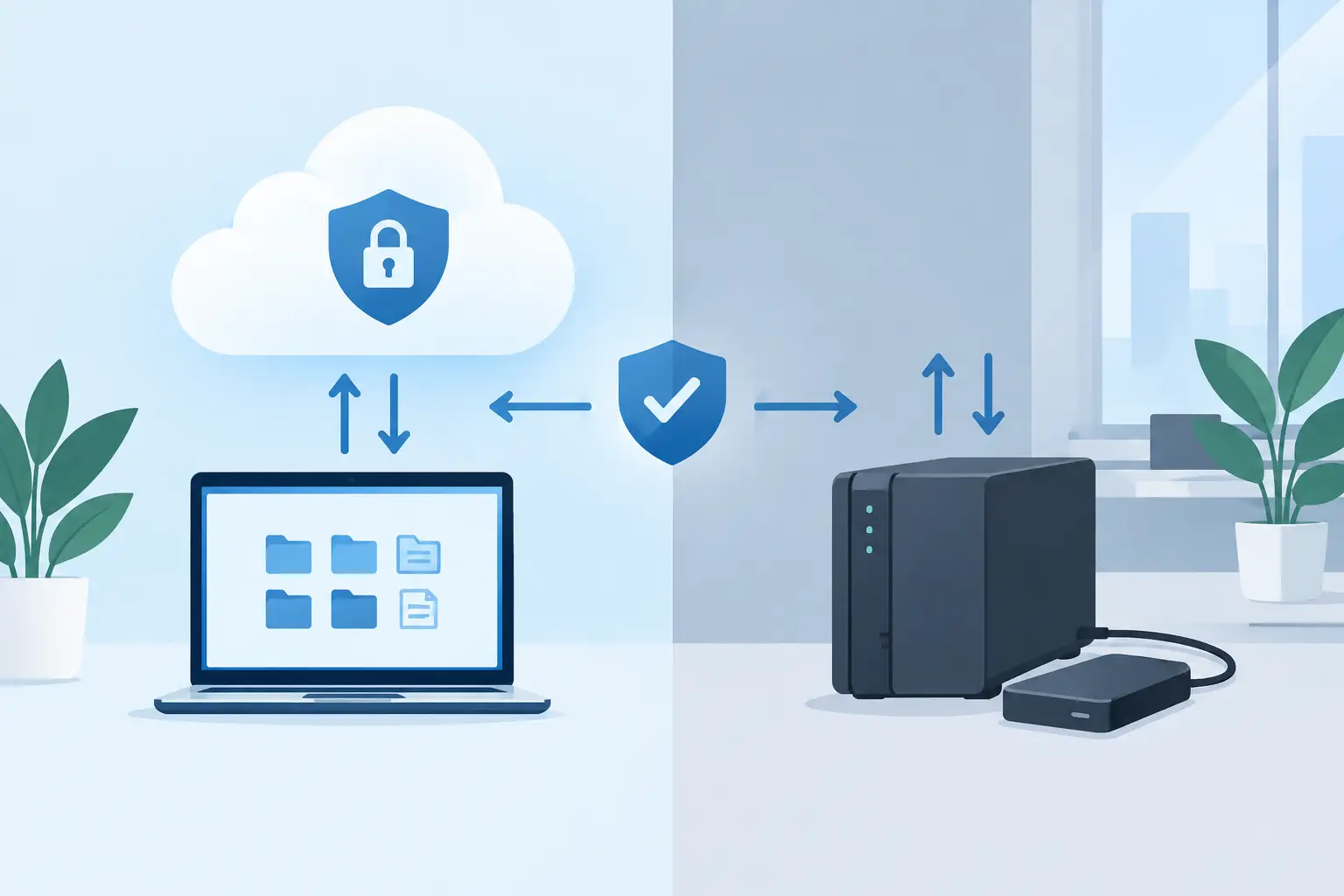
Local backup stores a copy of data on equipment you control, such as a network-attached storage device, backup appliance, external drive, or a second server. Because the backup is physically close to the source system, restoring a large volume of data can be fast. This makes local backup particularly useful when a server needs to be rebuilt after a disk failure or accidental deletion affects a large shared drive.
Cloud backup transfers encrypted backup data to an offsite provider's data center or cloud storage environment. Its main advantage is separation. If your office experiences theft, fire, flood, electrical damage, or a ransomware event that reaches local systems, an offsite copy gives you a recovery option that does not depend on the building or hardware being intact.
Neither approach is automatically safer. A local backup appliance that is connected to the network with weak access controls may be exposed to ransomware. A cloud backup configured without retention policies, identity protection, or regular restore testing can also fail when it is needed. The technology matters, but configuration and ongoing management matter just as much.
Where Local Backup Works Best
The practical strength of local backup is recovery speed. Restoring several terabytes across an internet connection can take days, especially if the business has limited upload or download bandwidth. Restoring from a local backup device is generally much faster because the data remains on the local network.
This can be valuable for businesses running on-premises servers, large CAD files, media libraries, databases, or other data-heavy workloads. A local copy also gives an organization more direct control over the equipment, retention schedule, and storage location.
The trade-off is that local backup can share the same physical risks as the production environment. If the server, backup device, and networking equipment are all in the same office, a single incident can affect all of them. Local-only backup also creates operational work: hardware must be monitored, storage capacity managed, firmware maintained, and backup jobs checked.
External hard drives are often treated as a backup plan, but they are rarely enough for a business on their own. They can be misplaced, left disconnected, overwritten, or forgotten until a recovery is required. A managed backup appliance with monitored jobs and protected access is a very different solution from an occasional manual copy.
Where Cloud Backup Has the Advantage
Cloud backup protects against location-based loss. If a business cannot access its office, its on-premises server has been stolen, or a local backup device has failed, an offsite copy may be the only viable path to recovery. This matters for small businesses that do not operate a secondary site or maintain duplicate infrastructure.
Cloud backup also supports distributed work. When employees work from home, use Microsoft 365, or access cloud applications, not all critical data lives on a local server anymore. A backup strategy should follow the data rather than focus only on the server room.
One common misconception is that Microsoft 365 automatically covers every backup requirement. Microsoft protects the service infrastructure, but businesses are still responsible for protecting their own data and managing retention needs. Deleted mailboxes, Teams content, SharePoint files, OneDrive documents, and configuration changes can create real operational problems. A dedicated Microsoft 365 backup provides independent copies and longer retention options based on your business requirements.
Cloud backup also makes it easier to keep copies away from the primary environment. However, recovery speed depends on internet bandwidth, the amount of data involved, and the restore method offered by the backup provider. Restoring a few files from the cloud may be quick. Recovering an entire server or multiple terabytes requires more planning.
Ransomware Changes the Backup Conversation
Ransomware is one reason a simple backup schedule is no longer sufficient. Attackers increasingly look for backup consoles, administrator credentials, and connected storage before encrypting production data. If they can delete or encrypt the backups, the organization loses its recovery leverage.
A stronger design uses the 3-2-1-1-0 principle. Keep at least three copies of important data on two different types of storage, with one copy stored offsite, one copy that is offline or immutable, and zero unaddressed errors after backup verification. The final zero is not a marketing phrase. It means backup jobs should be monitored and restore tests should confirm that the data is usable.
Immutability is especially valuable. An immutable backup cannot be changed or deleted for a defined retention period, even if an attacker gains access to an administrative account. It is not a replacement for endpoint protection, multifactor authentication, Microsoft Defender, patching, or staff awareness training. It is a recovery safeguard when other defenses fail.
For a small business, this may look like local backups for rapid recovery combined with encrypted, immutable cloud copies for disaster recovery. The specific design depends on data volume, regulatory obligations, recovery targets, and budget.
How to Choose the Right Backup Approach
Start by identifying the systems that would stop revenue, service delivery, or payroll if they were unavailable. Not every file needs the same recovery priority. An accounting database, client records, active project files, and a line-of-business application may need frequent backups and short recovery objectives. Archived material may be less urgent and can use lower-cost storage.
Then define two targets. The recovery point objective answers how much data you can afford to lose. If a business backs up once nightly, it could lose a full business day of changes. The recovery time objective answers how long a system can remain unavailable. A company that needs a server running again within four hours needs a different plan than one that can operate manually for two days.
Consider these questions before selecting a product or provider:
- Can you restore a single file, mailbox, database, virtual machine, or entire server without rebuilding everything?
- Are backups encrypted in transit and at rest, with multifactor authentication protecting the administration portal?
- Is at least one copy isolated or immutable against ransomware?
- How long are backups retained, and does that period meet your contractual, legal, or operational needs?
- Who receives alerts when a backup fails, and who is responsible for fixing the issue?
- When was the last successful test restore completed?
These questions reveal the difference between having backup software and having a recovery plan. Many businesses discover that backups have been running for months but have never been tested against the scenario that matters most.
A Practical Hybrid Backup Model
For a typical small or mid-sized business with an on-premises server, a hybrid model is often the most balanced option. Critical server data is backed up locally for fast restores, then copied to protected cloud storage for offsite recovery. Microsoft 365 data is backed up separately, while endpoints such as laptops are included when they hold important local files or support remote staff.
This model is not always necessary. A cloud-native business with no servers, modest data volumes, and well-managed SaaS applications may rely primarily on cloud-to-cloud backup. Conversely, a business with very large local datasets and limited internet connectivity may place greater emphasis on local recovery while maintaining a carefully selected offsite copy for essential data.
The key is to avoid treating every workload the same. A short conversation about business impact can prevent overspending on low-priority data while ensuring essential systems receive the protection they need.
Make Recovery a Managed Process
Backup systems need attention after they are installed. Storage fills up, applications change, employees create new data locations, and security risks evolve. Periodic reporting, alert review, restore testing, and documentation turn backup from a passive tool into an operational control.
Deep Shah IT Consulting helps businesses assess their server, endpoint, Microsoft 365, and Azure backup requirements, then configure recovery options that fit real operational needs. The goal is not to sell more storage than necessary. It is to make sure the business can recover the information and systems it depends on.
A useful next step is to choose one critical system and run a controlled restore test before an emergency forces the issue. If the process is unclear, a free discovery call can help turn that uncertainty into a practical recovery plan.
Need help with this?
Book a free 20-minute call — I'll tell you what needs to happen, no sales pitch.