How to Automate Employee Onboarding Securely
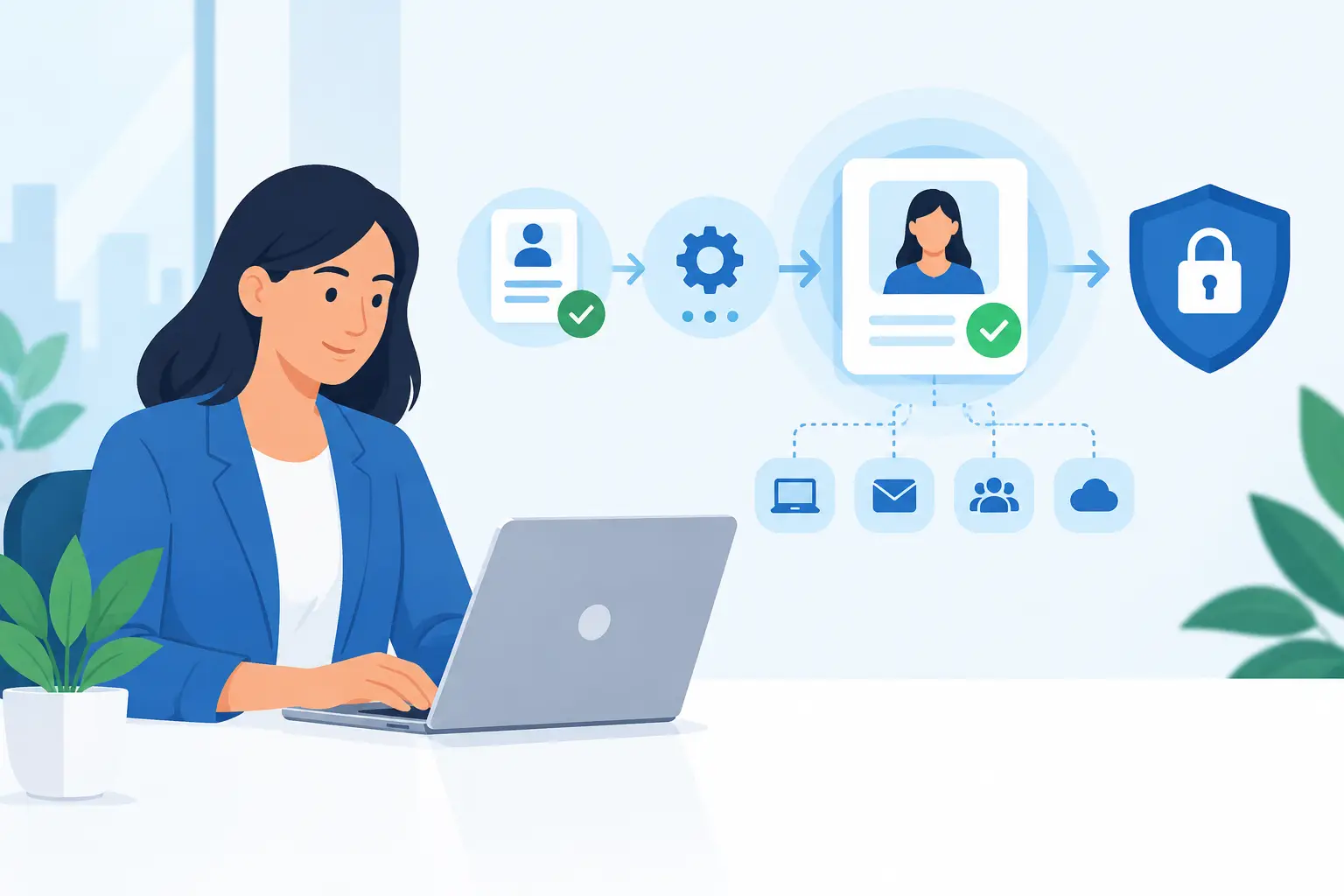
A new employee’s first day should not begin with a missing laptop, a shared password sent by email, or hours spent waiting for access to basic tools. Yet these problems are common in growing businesses where onboarding depends on a manager remembering a long list of IT tasks. Knowing how to automate employee onboarding helps turn that inconsistent process into a repeatable, secure workflow that gets people productive faster.
For small and midsize businesses, automation is not about removing the human welcome. It is about eliminating the administrative friction around it. Microsoft 365, Microsoft Intune, identity management, and well-defined approval steps can ensure every new hire receives the right equipment, applications, permissions, and security protections at the right time.
Start With the Onboarding Process, Not the Software
The most effective automation starts with a clear picture of the current process. Before selecting tools or building workflows, document what happens from the moment a candidate accepts an offer through their first week of work.
In many organizations, HR notifies a manager, the manager emails IT, and IT tries to determine what the person needs. That approach creates delays because key details are usually missing: job title, department, manager, start date, work location, device requirements, and the applications needed for the role.
A better process begins with a standard intake form or HR-triggered request. The request should collect the information needed to make access decisions without relying on follow-up emails. It should also establish a clear owner for approvals. For example, a department manager may approve role-specific applications, while IT provisions the account and device according to established standards.
This is a useful point to separate what should be standardized from what requires judgment. Every employee may need an email account, multifactor authentication, endpoint protection, and a managed device. Access to financial systems, client records, or administrative tools should never be granted automatically just because someone has started work.
How to Automate Employee Onboarding With Microsoft 365
Microsoft 365 provides a practical foundation for employee onboarding automation because it connects identity, email, collaboration, device management, and security controls. The goal is not to automate every decision. It is to automate predictable steps and add approval gates where access carries risk.
Create accounts from a consistent source of truth
The employee record should begin in one trusted system, often an HR platform or a structured onboarding request. From there, IT can create the Microsoft 365 account with the correct name, email address, department, manager, and role information.
Consistent identity data matters more than it may appear. Department and job title fields can support group-based access, address book accuracy, license assignment, reporting, and future offboarding. If employee information is entered differently every time, automation becomes unreliable quickly.
For a smaller business, account creation may still require a quick IT review. That is often the right trade-off. Fully automated account creation is efficient, but a review step can prevent duplicate accounts, incorrect names, or access being assigned before a start date is confirmed.
Use groups to assign licenses and access
Manually assigning every license and application permission is one of the most time-consuming parts of onboarding. It also creates inconsistency. Group-based access lets IT define standard packages for roles or departments, such as Sales, Operations, Finance, or Leadership.
When a new employee is added to the appropriate group, they can receive the correct Microsoft 365 license, Teams membership, SharePoint access, and approved business applications. This reduces manual work while making permissions easier to review later.
Avoid creating a separate access model for every employee. Exceptions will exist, particularly for senior staff or specialized roles, but too many one-off permissions become difficult to secure and nearly impossible to audit. Start with a small number of well-designed role groups, then refine them as the business grows.
Prepare devices with Microsoft Intune
A laptop should arrive ready for work, not require an employee to wait while someone installs updates and configures applications. Microsoft Intune enables organizations to enroll and manage Windows devices remotely, applying standard settings before or shortly after the user signs in.
A practical device configuration can include disk encryption, screen lock requirements, operating system updates, Microsoft Defender protections, approved applications, and Wi-Fi or VPN settings where needed. For remote employees, this reduces the need for hands-on setup and provides a more consistent experience.
Device automation also improves security. A laptop containing business data should not depend on a new employee remembering to install antivirus software or turn on encryption. Those controls should be part of the standard configuration.
Build security into the first login
New accounts are common targets for phishing and account takeover attempts. A secure onboarding workflow should require multifactor authentication and use conditional access policies appropriate to the business.
At a minimum, employees should be guided through secure MFA registration before they begin using email and cloud applications. Higher-risk roles may need stricter controls, such as blocking legacy authentication, requiring compliant devices, or limiting access from unmanaged personal devices.
Password sharing deserves special attention. If a new hire needs access to a shared vendor portal or legacy system, do not send a shared password through email or chat. Use a password manager with controlled sharing, create an individual account where possible, or document an approved exception process. Automation should reduce insecure workarounds, not make them easier to repeat.
Design the Workflow Around Clear Responsibilities
Technology alone cannot fix unclear ownership. A reliable onboarding process assigns specific responsibilities to HR, the hiring manager, IT, and the new employee.
HR or the business administrator typically confirms the employee’s legal name, start date, department, manager, and employment status. The hiring manager defines the role and approves any nonstandard software or data access. IT provisions the account, device, security controls, and baseline applications. The employee completes required setup tasks such as MFA registration and security awareness training.
For organizations using Microsoft Power Automate, these handoffs can be tracked through approval workflows and notifications. A submitted onboarding request can notify the right people, create a task list, and record completion status. This is particularly valuable when several people contribute to onboarding but no one has full visibility into what is still outstanding.
The workflow should include deadlines. If IT receives the request only on the employee’s start date, automation cannot fully solve the problem. A reasonable policy might require managers to submit onboarding requests five to 10 business days in advance, especially when a new device must be ordered or prepared.
Do Not Forget Offboarding and Access Reviews
A good onboarding system should make offboarding easier. The same groups, device records, licenses, and documented approvals used to provision a person should make it clear what must be removed when they leave or change roles.
This is one reason to avoid broad, permanent access. When access is assigned through groups and managed systems, IT can disable an account, revoke sessions, remove licenses, wipe or secure a device, and review shared resources more reliably. Manual access granted through informal requests is much more likely to be overlooked.
Periodic access reviews are also worthwhile. A person who moved from operations to sales six months ago may still have access to systems required for their previous role. Automation creates the records that make these reviews manageable, but someone still needs to confirm whether the access remains appropriate.
Measure Whether Automation Is Actually Working
The right onboarding process should improve more than IT efficiency. Track a few practical outcomes: how long it takes for a new employee to receive a working account and device, how often access requests are delayed, whether MFA is completed before the first day, and how many support tickets occur during the first week.
If new hires consistently need access that was not included in their role package, the issue may be the access design rather than the automation itself. If managers submit requests late, the issue may be policy and communication. Reviewing these patterns helps improve the process without adding unnecessary complexity.
For businesses in Hamilton, Burlington, Oakville, and the Greater Toronto Area, employee onboarding automation can be a practical first step toward a more mature Microsoft 365 and cybersecurity environment. Deep Shah IT Consulting can help assess the current process, configure Microsoft 365, Intune, Defender, and workflow tools, then document a process your team can operate with confidence.
The best onboarding automation gives new employees a professional first day while giving business owners clearer control over accounts, devices, and data. A focused discovery call can identify the fastest improvements for your current environment and help you build a process that remains dependable as your team grows.
Need help with this?
Book a free 20-minute call — I'll tell you what needs to happen, no sales pitch.