How to Reduce Phishing Risk in Your Small Business
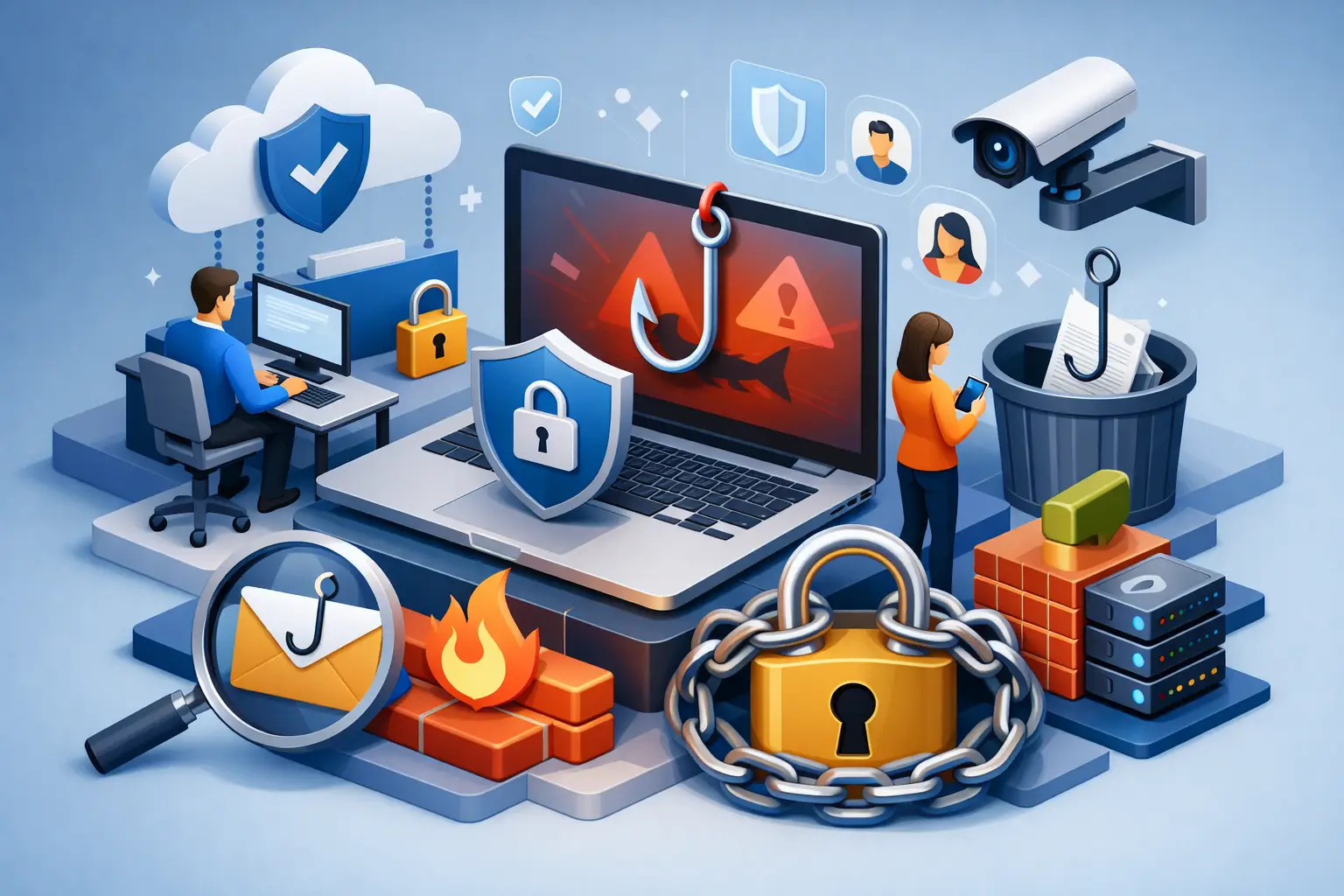
A convincing phishing email rarely looks like a scam. It may appear to come from a client, your bank, Microsoft 365, or even your own bookkeeper. For a small business, learning how to reduce phishing risk is less about finding a single security product and more about building a practical set of habits, controls, and response procedures.
The consequences can be immediate. One stolen Microsoft 365 password can expose invoices, client records, financial details, shared files, and internal conversations. It can also give an attacker a trusted mailbox to use against your customers and suppliers. That is why phishing protection needs to be treated as a business continuity issue, not just an IT task.
Why Small Businesses Are Frequent Targets
Attackers often target small businesses because they expect fewer layers of protection and busy staff who need to process email quickly. A professional services firm may receive contracts and payment requests all day. A construction company may rely on vendors sending invoices and delivery updates. An employee who is doing their job efficiently can still make a costly decision when an email creates urgency.
Modern phishing also goes beyond obvious spelling mistakes and suspicious attachments. Attackers can impersonate a business owner, compromise a legitimate vendor account, create lookalike domains, or send a fake Microsoft 365 sign-in page that closely matches the real one. AI has made poorly written scam messages less reliable as a warning sign because messages can now be tailored and polished at scale.
The goal is not to make employees distrust every message. It is to ensure that a request involving money, credentials, confidential information, or unexpected access receives a second look.
How to Reduce Phishing Risk With Layered Protection
A strong approach combines people, process, and technology. Each layer covers a different point of failure. Training alone will not stop a user who enters credentials on a realistic fake sign-in page, and email filtering alone will not prevent every business email compromise attempt.
Secure Microsoft 365 Identities First
For most small businesses, email identity is the primary security boundary. If an attacker gains access to an employee's Microsoft 365 account, they may be able to read mail, search files, reset passwords for other services, and impersonate the employee from a legitimate mailbox.
Multi-factor authentication should be required for every user, especially administrators, finance staff, and anyone with remote access. An authenticator app or security key is generally more resistant to phishing than text-message codes. Where possible, use number matching and phishing-resistant authentication methods to reduce the chance that someone approves an unexpected sign-in prompt.
Conditional Access policies can add another meaningful control for organizations using Microsoft 365 Business Premium or Microsoft Entra ID capabilities. These policies can require stronger authentication, restrict risky sign-ins, and limit access from unmanaged devices. The right configuration depends on how your team works. A business with field staff and personal devices needs a different balance than an office with company-issued laptops.
Administrator accounts deserve additional protection. They should not be used for everyday email or web browsing. Separate administrative accounts, limited permissions, and stronger authentication reduce the impact if a normal user account is compromised.
Improve Email Filtering and Domain Protection
Email security tools should filter malicious links, dangerous attachments, spoofed senders, and known phishing campaigns before they reach an inbox. Microsoft Defender capabilities within eligible Microsoft 365 plans can provide stronger protection than basic email filtering when they are configured and monitored properly.
Configuration matters as much as licensing. Organizations should review anti-phishing policies, impersonation protection, attachment scanning, malicious URL protection, and quarantine settings. If a security tool is too aggressive, it can disrupt legitimate business email. If it is too permissive, employees receive more threats. The best settings are tuned over time based on real messages your business receives.
Your email domain also needs protection. SPF, DKIM, and DMARC records help receiving email systems verify that messages claiming to come from your domain are authorized. They do not stop every impersonation attempt, but they can reduce direct spoofing of your business name and improve email trust.
Train Staff Around Real Decisions, Not Generic Warnings
Annual security training is not enough. Phishing tactics change quickly, and people retain more when guidance is short, relevant, and repeated. Focus on the situations your team actually faces: invoice changes, payroll updates, shared-document notifications, password-expiration notices, and urgent requests from leadership.
Employees should know to pause when an email asks them to sign in, open an unexpected file, change banking details, buy gift cards, or send confidential information. The sender's display name is not proof of identity. Neither is a familiar logo or an urgent tone.
Create a simple verification process for sensitive requests. For example, a change to vendor banking information should be confirmed using a known phone number from your records, not the number included in the email. A request from the owner to transfer funds should be verified through a second communication channel. This may add a few minutes to a transaction, but it is far less disruptive than recovering from fraud.
Simulated phishing exercises can help identify where training needs improvement, but they should not be used to embarrass employees. The purpose is to build judgment and encourage reporting. A staff member who reports a suspicious message quickly is helping protect the entire business.
Make Reporting Easy and Expected
Employees need a clear answer to one question: what should I do when something looks suspicious? If the answer is unclear, they may delete the email, ignore it, or ask a colleague informally. That can leave a wider attack unnoticed.
Provide a simple reporting path, such as a designated security mailbox or Microsoft 365 reporting button. Explain that reporting is encouraged even when someone is unsure. A fast report can allow IT to remove similar messages from other inboxes, block a malicious sender, and check whether anyone clicked a link.
Your procedure should also cover accidental clicks. Employees should feel able to report a mistake immediately without fear of blame. Early action may allow passwords to be reset, sessions to be revoked, and malicious mailbox rules to be removed before attackers expand their access.
Watch for Signs of a Compromised Mailbox
A phishing incident is not always obvious. Regular monitoring can identify unusual behavior that deserves investigation. Warning signs include unexpected inbox rules, sign-ins from unfamiliar locations, messages sent that the user does not recognize, unusual forwarding settings, or vendor emails asking contacts to redirect payments.
Managed IT monitoring can help small businesses review alerts and respond consistently, particularly when there is no internal security team. However, monitoring is only useful when alerts lead to clear action. Define who is responsible for reviewing notifications, resetting accounts, communicating with affected customers, and engaging external support.
Protect Devices and Data Beyond Email
Phishing often serves as the entry point for ransomware, account takeover, or data theft. Endpoint protection, timely operating system updates, encrypted devices, and limited user permissions reduce the damage after a successful click. Employees should not routinely have local administrator rights unless their role requires them.
Reliable backups are equally important. Backups should be protected from routine user access, tested regularly, and include the business data that actually matters. A backup strategy for file shares but not Microsoft 365 data, line-of-business applications, or cloud records may leave significant gaps.
For businesses using Microsoft Copilot or other AI tools, permissions deserve extra attention. AI can make information easier to find, which is valuable when access is designed correctly. But overly broad SharePoint, OneDrive, or Teams permissions can expose sensitive material more widely than intended. Review who can access financial records, HR files, client documentation, and confidential project information before expanding AI use.
Have a Response Plan Before You Need One
When a phishing email succeeds, speed matters. Your team should know the first actions: disconnect a potentially infected device if directed by IT, report the incident, change credentials from a trusted device, revoke active sessions, and review mailbox rules and forwarding settings. If payment information was involved, contact the financial institution and affected vendor through verified channels immediately.
A response plan should also establish decision points for notifying customers, insurers, legal counsel, and relevant service providers. The appropriate steps depend on the type of data involved and your business obligations. A small, rehearsed process is more useful than a lengthy document nobody can find during an incident.
Phishing risk cannot be eliminated, but it can be made much harder for attackers to exploit. A focused review of Microsoft 365 security, user access, email controls, and staff procedures gives small businesses a practical starting point. If your team needs help translating those controls into a workable security plan, a free discovery call with Deep Shah IT Consulting can identify the gaps worth addressing first.
Need help with this?
Book a free 20-minute call — I'll tell you what needs to happen, no sales pitch.