Small Office Ransomware Recovery Example
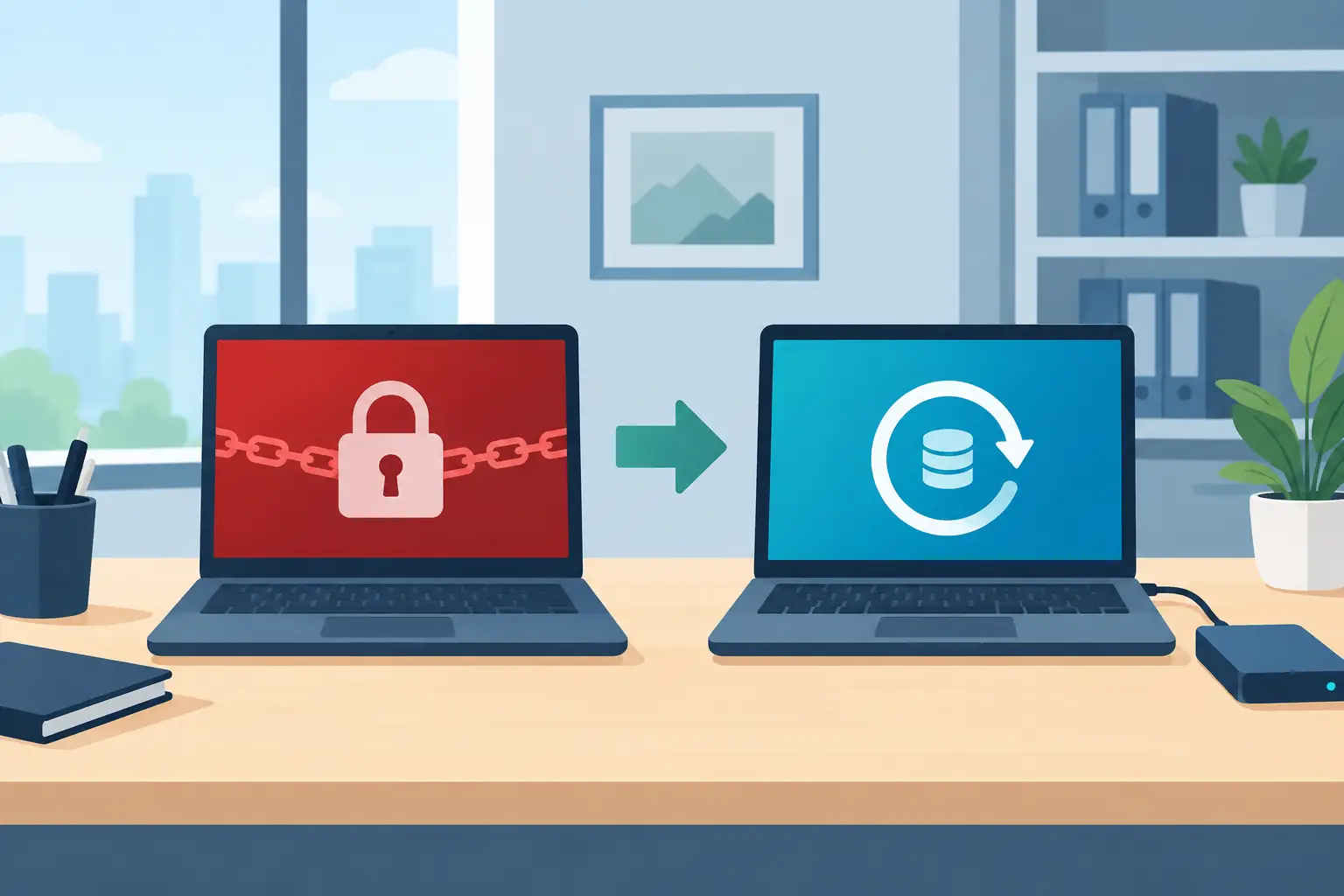
At 8:12 on a Monday morning, a six-person accounting office could no longer open its shared client folders. File names had changed, a ransom note appeared on the server desktop, and one employee had already clicked a link in the note before calling for help. This small office ransomware recovery example shows what recovery looks like when the business has some protections in place, but not every protection it needs.
The useful lesson is not that every ransomware event follows the same script. It does not. Attackers may target Microsoft 365 email, a server, a workstation, a remote access tool, or all of them. The lesson is that a small business can contain damage and resume work without paying a ransom when recovery planning is practical, tested, and tied to its real operations.
The Small Office Ransomware Recovery Example
This scenario is a composite based on common small-business conditions. The office had seven Windows devices, one on-premises file server, Microsoft 365 for email and document collaboration, and a line-of-business tax application. Its staff worked primarily from the office, with occasional remote access during tax season.
The initial access point was a convincing phishing email sent to an administrator. The message appeared to come from a document-sharing service and asked the employee to review a secure file. After entering Microsoft 365 credentials into a fraudulent page, the employee approved a multifactor authentication prompt that had been repeatedly sent to their phone.
The attacker used those credentials to access email, create inbox rules, and send additional phishing messages internally. Several hours later, the attacker used a local administrator account that had been reused across workstations to move laterally and encrypt the file server. The office noticed the issue when shared folders became unavailable.
That sequence matters because ransomware is rarely only a file-encryption problem. It is usually an identity, email, endpoint, and backup problem at the same time.
The First Two Hours: Containment Before Recovery
The office's first instinct was to restart the server. That would have been understandable, but it was not the first priority. The better immediate response was to stop the attack from spreading and preserve enough evidence to understand what happened.
The affected server was disconnected from the network. Workstations showing suspicious activity were also isolated. Remote access was disabled, active Microsoft 365 sessions were revoked for the compromised account, and passwords were reset from a known-clean device. The IT provider then reviewed sign-in activity, mailbox rules, privileged accounts, and recent changes to security settings.
This work can feel slow when staff are waiting to access files, but rushing directly into restoration can create a second incident. If an attacker still has an active session, restored files may be encrypted again. If compromised credentials are not removed, the attacker may simply return through email or remote access.
The office notified its cyber insurance carrier and legal counsel early. Whether formal reporting is required depends on the type of data involved, contractual obligations, and applicable privacy rules. A firm handling financial and personal information should not assume that recovery alone resolves its responsibilities.
What Saved the Business From Paying
The business did not have a perfect environment. Its endpoint protection settings were inconsistent, local administrator passwords were shared, and phishing-resistant multifactor authentication was not yet in place. However, it had one decision that changed the outcome: an independent backup system with immutable copies.
The file server was backed up nightly to encrypted cloud storage. The backup platform retained multiple restore points and prevented routine administrator credentials from deleting or altering protected backup data. Microsoft 365 email and OneDrive data were also backed up separately. This distinction was critical. Microsoft 365 includes strong service availability, but businesses remain responsible for recovering from accidental deletion, malicious deletion, retention gaps, and certain account-level compromises.
The IT provider checked the backup console from a clean device, verified that the prior backup jobs had completed, and selected a restore point from before the attack. A restore was performed into an isolated recovery environment first. The team scanned the recovered data, confirmed that the core folder structure and client files were intact, and then restored the file shares.
The accounting application required more care. Its database had to be restored in a supported order and validated by the application vendor. That added several hours. This is why a backup status report alone is not enough. A backup can be technically successful while the business still lacks a documented, workable process for restoring an application.
Recovery Took Time, but Operations Continued
The office was able to resume limited email work the same day using clean laptops and Microsoft 365. Shared-file access returned the following morning. The tax application was fully validated by late afternoon on day two.
For a small business, roughly two days of disruption is serious. Deadlines can be missed, employees may have to work around unavailable systems, and client confidence can suffer. Still, it was materially different from weeks of reconstruction, uncertain data loss, or a ransom demand with no guarantee of decryption.
The recovery time depended on the office's recovery objectives. Its file backup ran nightly, so it accepted the possibility of losing changes made after the prior backup. For a business that processes orders, dispatches service technicians, or updates customer records throughout the day, nightly backups may not be sufficient. More frequent backups, replication, or cloud-based line-of-business systems may be justified.
There is no universal answer. The right target depends on the cost of downtime, the value of recent data, the complexity of the applications, and the budget available for recovery infrastructure.
Changes Made After the Incident
After restoring operations, the office avoided treating the incident as a one-time cleanup task. It used the event to reduce the chances of a repeat compromise.
First, every user received stronger multifactor authentication, with particular attention to administrators and financial staff. Number matching, conditional access policies, and phishing-resistant methods can significantly reduce the risk created by password theft and repeated approval prompts.
Second, the office removed shared local administrator passwords. Administrative access was separated from everyday work accounts, and devices were standardized through Microsoft Intune. This made security policies, software updates, encryption, and device compliance easier to manage across the organization.
Third, Microsoft Defender capabilities were configured to provide better visibility into suspicious sign-ins, malware behavior, and endpoint activity. Security tools are most valuable when someone is reviewing alerts, tuning policies, and responding to real risk rather than simply assuming a license equals protection.
Fourth, the business updated its backup design. It kept immutable off-site backups, increased backup frequency for critical application data, and scheduled quarterly recovery tests. During each test, staff restored a representative file set, an email mailbox, and the accounting application database. The goal was to measure recovery, not merely confirm that backups existed.
Finally, management created a short incident response plan. It identified who could authorize downtime decisions, who would contact the IT provider and insurer, how employees should report suspicious activity, and how the business would communicate with clients if needed. A plan does not need to be a binder no one opens. For a small office, a clear two-page procedure with accurate contacts is often far more useful.
Questions Small Businesses Should Ask Before an Attack
A ransomware recovery plan should be tested against ordinary business realities. Can you restore a critical file without waiting days for support? Are backups separated from the credentials used to manage your network? Can you identify every account with administrative access? Do you have Microsoft 365 backup coverage, not just retention settings? And if your office cannot work for one day, which systems must return first?
It is also worth checking for hidden dependencies. A restored server may still be unable to print labels, access a mapped drive, authenticate a remote employee, or communicate with a specialized application. These dependencies are where many recovery plans fail under pressure.
For small businesses in Hamilton, Burlington, and the Greater Toronto Area, the practical goal is not to build an enterprise security department. It is to put the right controls around the systems that keep the business moving: protected identities, managed devices, monitored security tools, recoverable data, and a tested path back to work.
Deep Shah IT Consulting helps small and midsize organizations assess these gaps, strengthen Microsoft 365 and endpoint security, and design cloud backup and disaster recovery plans that fit their operational needs. A free discovery call can clarify where an existing setup is exposed before an attacker gets the opportunity to test it.
The best time to learn whether recovery will work is during a scheduled test, when the only thing at risk is an hour on the calendar.
Need help with this?
Book a free 20-minute call — I'll tell you what needs to happen, no sales pitch.