What Does Managed IT Include for Small Businesses?
A server failure at 8:15 a.m., a suspicious Microsoft 365 sign-in, or a new employee who cannot access the files they need can quickly become an owner’s problem. When business leaders ask, “what does managed IT include?” they are usually asking a more practical question: who is responsible for preventing these issues, responding when they happen, and making sure technology supports the business rather than interrupting it?
Managed IT is an ongoing service in which an outside technology provider takes responsibility for agreed-upon systems, users, security, and support. It is different from calling a technician only after something breaks. The right arrangement combines day-to-day technical help with monitoring, security controls, documentation, and planning.
The exact scope varies by business, its regulatory requirements, its existing technology, and its budget. A five-person professional services firm does not need the same service model as a company with multiple sites, field employees, specialized software, and an internal IT coordinator. Still, most well-designed managed IT agreements share several core elements.
What Does Managed IT Include in Practice?
A managed IT provider should define responsibilities clearly. That includes which users, devices, applications, networks, and cloud platforms are covered, as well as what happens outside regular support hours. Vague promises of “full IT support” can lead to surprises when a major project, a vendor problem, or a cybersecurity event occurs.
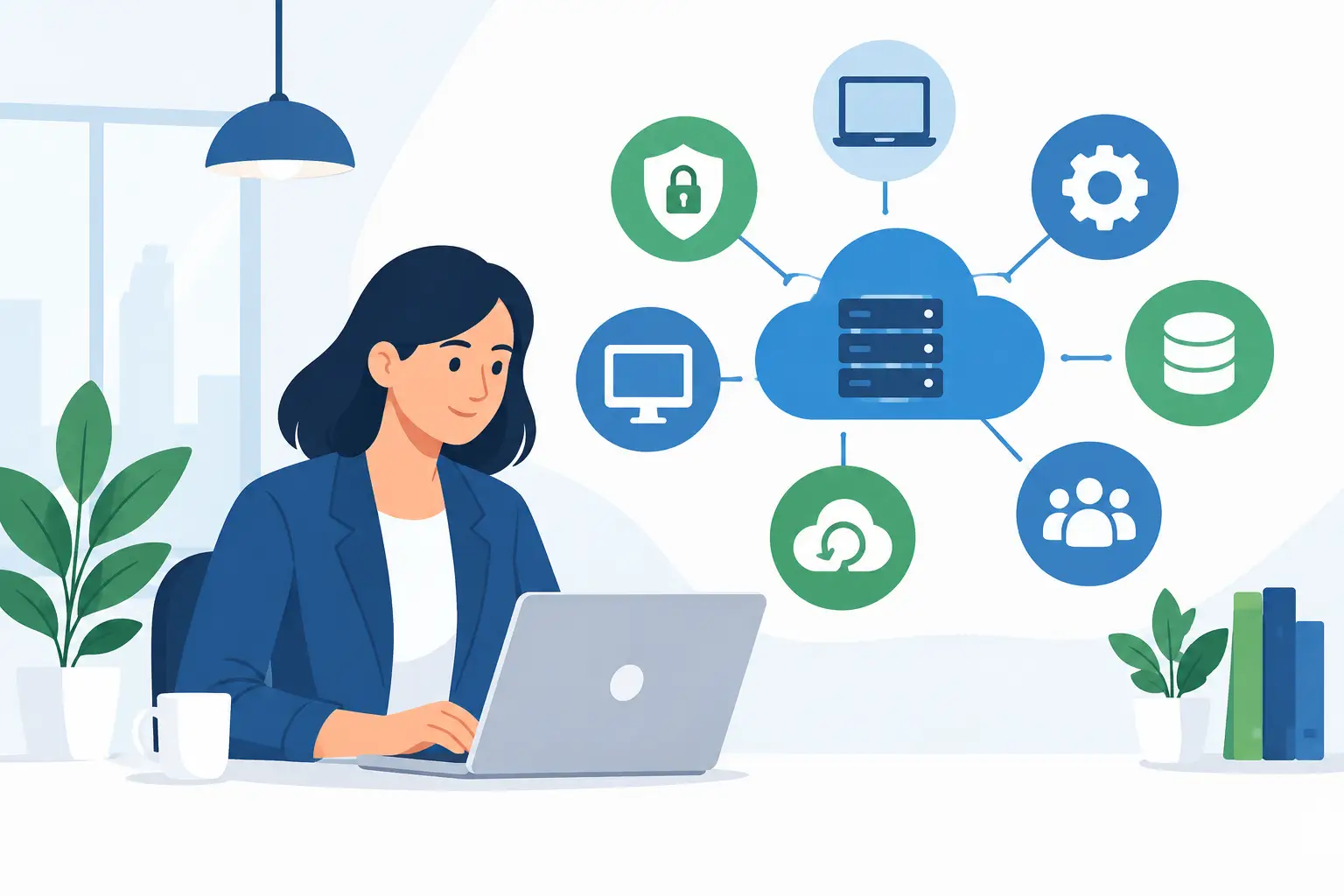
For small and medium-sized businesses, managed IT commonly includes the following operational areas.
Help desk support and issue resolution
Employees need a reliable place to turn when email stops syncing, a laptop has a problem, a printer will not connect, or access to a shared system needs to be changed. Managed support handles these requests remotely when possible and coordinates onsite work when necessary.
Good support is not just ticket closure. It means diagnosing the underlying issue, communicating in plain language, and documenting the fix so the same problem is less likely to recur. It should also cover employee onboarding and offboarding, including account creation, permission changes, device setup, and prompt access removal when someone leaves.
Proactive monitoring and maintenance
Waiting for systems to fail is expensive. Managed IT services typically use monitoring tools to watch the health of servers, workstations, network equipment, backups, storage capacity, and security alerts. The objective is to catch warning signs before they become downtime.
Maintenance often includes operating system updates, software patching, antivirus or endpoint protection updates, warranty tracking, and basic performance checks. Patching requires judgment, especially where a business relies on older software or specialized equipment. A provider should test or schedule higher-risk changes thoughtfully instead of applying every update without considering the impact on operations.
Cybersecurity controls and response
Cybersecurity has become a central part of managed IT, not an optional add-on. Basic endpoint antivirus alone is no longer enough for most businesses. Email compromise, credential theft, ransomware, and fraudulent payment requests often begin with identity or email security gaps.
A managed cybersecurity approach may include multi-factor authentication, endpoint detection and response, secure email configuration, device encryption, vulnerability remediation, password and access policies, and security awareness guidance for employees. Microsoft Defender and Microsoft Intune can be particularly useful for organizations using Microsoft 365, because they help secure identities and manage devices from a central platform.
The level of protection should match the business’s risk. A company handling financial records, legal files, health information, or client payment data may require stricter access controls, logging, retention, and incident procedures than a business with lower sensitivity. The provider should explain those trade-offs clearly rather than selling a one-size-fits-all security package.
Microsoft 365 administration and cloud management
For many small businesses, Microsoft 365 is the center of everyday work. Managed IT often includes administration of user accounts, licenses, Exchange Online email, Teams, SharePoint, OneDrive, and security settings. It can also include support for migrations from older email systems or file servers.
Administration is more than adding users and resetting passwords. It involves setting appropriate sharing permissions, reducing unnecessary admin access, configuring retention where needed, and helping employees use the tools productively. If Microsoft Copilot or other AI tools are being considered, permissions and data organization should be reviewed first. AI can make employees faster, but it can also expose poorly managed files to the wrong people if the underlying access model is not in order.
Azure cloud services may also be part of the scope when a business needs hosted servers, virtual desktops, secure remote access, cloud-based applications, or more flexible infrastructure. Azure should be used where it offers a clear operational or financial advantage, not simply because it is a popular platform.
Backup and disaster recovery
Backups are a core managed IT responsibility, but the word “backup” can hide significant differences in quality. A copy of a file is not necessarily enough to recover an entire business after ransomware, hardware failure, accidental deletion, or a cloud account compromise.
A managed backup service should identify what is being protected, how often it is backed up, where copies are stored, how long they are retained, and how restoration is tested. It may cover servers, workstations, network storage, Microsoft 365 data, and critical cloud applications.
Disaster recovery goes a step further. It answers how the business will continue operating if a key system is unavailable. For some organizations, restoring files within a day is acceptable. For others, even a few hours without access to customer, scheduling, or operational systems creates a material business problem. Recovery objectives should be discussed in business terms, not buried in technical language.
Network, devices, and infrastructure
Managed IT generally includes oversight of the equipment employees depend on: laptops, desktops, firewalls, Wi-Fi, switches, servers, and sometimes mobile devices. The provider may manage warranties, hardware standards, inventory, replacement planning, secure remote access, and network documentation.
This work matters because aging infrastructure often creates hidden costs. Older laptops take longer to support, unreliable Wi-Fi slows down staff, and undocumented network equipment makes every change riskier. A managed provider should help prioritize replacements instead of recommending a wholesale refresh without a business case.
Strategic guidance is part of the service
The strongest managed IT relationships include planning, not just support. Business owners need an advisor who can translate technology decisions into cost, risk, productivity, and timing.
That may mean creating a technology roadmap, reviewing Microsoft 365 licensing, planning a move from an on-premises server to Azure, preparing for an office move, or identifying practical automation opportunities. It can also mean advising a client not to buy a tool yet because their processes, data, or security controls are not ready.
For businesses without a large internal IT department, this strategic layer is often as valuable as the help desk. Deep Shah IT Consulting combines managed support with direct access to senior Microsoft and infrastructure expertise, so the person advising on the design can also help implement and support it.
What May Not Be Included
Managed IT does not automatically mean every technology cost or project is covered by one monthly fee. Hardware purchases, Microsoft licenses, major migrations, office moves, custom application work, compliance audits, and after-hours emergency support may be separate depending on the agreement.
That is not necessarily a concern. A clear service agreement protects both sides by separating predictable operational support from larger, defined projects. Ask prospective providers how they handle project estimates, third-party software vendors, onsite visits, security incidents, and work outside the standard scope.
Also ask who will actually support your business. Some providers use layered teams, which can work well for larger organizations. Others offer direct access to the consultant who designs and documents the environment. For a small business, consistency and accountability can be more valuable than a large support roster.
A useful managed IT arrangement should leave your team with fewer recurring technical distractions, clearer security responsibilities, and a realistic plan for the next technology decision. If you are unsure where your systems stand, a discovery conversation can identify the most immediate risks and the practical improvements worth making first.
Need help with this?
Book a free 20-minute call — I'll tell you what needs to happen, no sales pitch.