IT Outsourcing for Growing Small Businesses
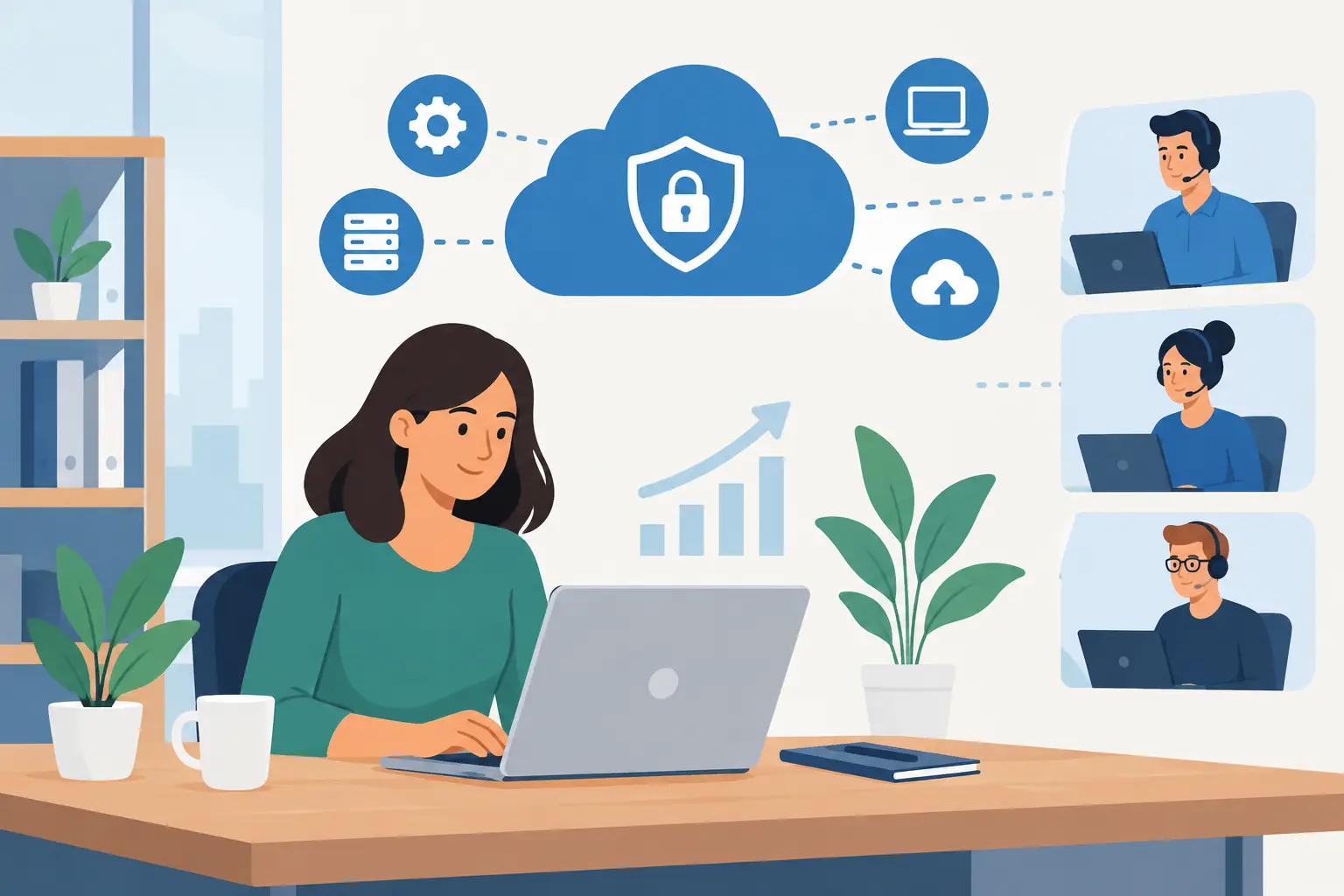
A failed email migration, a suspicious Microsoft 365 sign-in alert, or a server that stops responding can quickly pull a business owner away from customers and operations. IT outsourcing gives small and midsize businesses access to experienced technical support when those issues arise, while also creating a plan to reduce how often they happen in the first place.
For a growing company, the question is rarely whether technology matters. The real question is whether the current approach to technology is reliable, secure, and aligned with the business's next stage of growth. A single internal generalist, an on-call break-fix provider, and scattered software subscriptions may keep things running for a while. They often struggle, however, when the business needs better cybersecurity, a Microsoft 365 migration, cloud backup, remote-work controls, or a clear plan for using AI productively.
What IT Outsourcing Should Actually Provide
IT outsourcing is not simply handing a help desk to a third party. At its best, it is an operating model that gives the business access to the right technical skills without the expense and management burden of building a large internal IT department.
That can include day-to-day user support, device management, network maintenance, cloud administration, cybersecurity monitoring, software licensing advice, and strategic planning. The mix should depend on the business. A 15-person professional services firm using Microsoft 365 has different needs than a manufacturer with on-premises systems, shared devices, and operational downtime concerns.
The value comes from connecting these services rather than treating each as a separate purchase. For example, moving files to SharePoint without reviewing permissions, multi-factor authentication, retention needs, endpoint protection, and backup procedures creates a cloud environment that may be convenient but still carries unnecessary risk. A qualified provider should address the full picture.
For many smaller organizations, outsourced IT also provides something difficult to hire internally: senior-level architecture and security judgment. A Microsoft Certified Azure Solutions Architect can help determine whether Azure is appropriate for a workload, how to control costs, and which security controls are necessary. That is a different role from resetting passwords, though both functions matter.
When Outsourcing Is a Better Fit Than Hiring
Hiring internal IT can be the right decision for organizations with complex, high-volume technology needs. A larger company may need dedicated staff on-site, specialized application support, or a team available across extended hours. Outsourcing is not a replacement for every internal role.
It is often a better fit when a business needs broad expertise but cannot justify several full-time hires. One employee rarely has deep experience across Microsoft 365 administration, Azure design, networking, cybersecurity, backups, device management, and AI implementation. Asking one person to cover all of it can create dependency and gaps.
Outsourcing can also make sense when internal employees are spending too much time acting as unofficial IT support. When an operations manager becomes the person everyone calls for printer issues, access requests, laptop setup, and suspicious emails, the company loses time from the role it actually hired them to perform.
For businesses in Hamilton, Burlington, Oakville, Milton, and the Greater Toronto Area, local access can be especially useful when an on-site network review, office move, hardware deployment, or infrastructure issue requires hands-on support. At the same time, most routine administration and support can be handled remotely, making specialized expertise more practical and responsive.
The Business Outcomes to Expect
A productive outsourced IT relationship should be measured by outcomes, not ticket volume alone. Fast support matters, but prevention and planning matter more over time.
More predictable technology costs
A managed service arrangement can make routine IT spending easier to forecast. Instead of paying only when something breaks, businesses can budget for ongoing support, monitoring, administration, and maintenance. This does not mean every expense becomes fixed. Hardware replacements, new licenses, major projects, and cloud consumption still need planning. It does mean fewer avoidable surprises caused by neglected updates, expired licensing, or untested backups.
Stronger cybersecurity basics
Most small-business security improvements are not exotic. They involve doing the fundamentals consistently: multi-factor authentication, secure identity configuration, endpoint protection, prompt patching, managed devices, least-privilege access, phishing awareness, reliable backups, and recovery testing.
Microsoft 365 and Microsoft Defender offer meaningful security capabilities, but the default setup is not always enough for the business's risk level. Proper configuration matters. So does knowing who has administrative access, where sensitive data is stored, and whether former employees can still sign in.
Technology that supports flexible work
Employees need secure access to files, applications, and communication tools whether they are in the office, at home, or visiting a client. Microsoft Intune can help standardize device management, while Microsoft 365 provides a familiar platform for collaboration. The goal is not to add controls for their own sake. It is to make secure work easier than workarounds.
Better decisions about cloud and AI
Cloud services and AI tools are valuable when they solve a defined business problem. Azure may support a legacy application, improve backup and disaster recovery, or provide a scalable platform for a specialized workload. Microsoft Copilot may help teams summarize information, prepare drafts, analyze data, or reduce repetitive administrative work.
Neither should be implemented because it is the latest trend. An outsourced technology advisor can help identify practical use cases, validate security and licensing requirements, and start with controlled adoption rather than a broad rollout that creates confusion.
What to Look for in an IT Outsourcing Partner
Technical certifications and vendor relationships are useful indicators, but they are not the whole decision. The right provider should be able to explain recommendations in business terms and take responsibility for execution.
Start by asking who will actually do the work. Some providers separate sales, architecture, implementation, and support across several teams. That structure can work well, but small businesses often benefit from direct access to the consultant who understands their environment and can follow a decision from planning through implementation and ongoing support.
Ask how documentation is handled. A well-managed environment should have current records for users, devices, networks, backups, licenses, vendors, administrative accounts, and recovery procedures. Without documentation, every urgent issue takes longer and transitions become risky.
Also ask how security is assessed and improved. A credible answer should go beyond installing antivirus software. It should address identity protection, Microsoft 365 configuration, device security, backup strategy, access controls, incident response, and employee behavior.
Finally, look closely at communication. You should understand what is included, what is project work, how urgent issues are handled, and what recommendations are being made before costs are incurred. Technology advice is most useful when it is clear enough for a business owner to act on.
Avoid the Common IT Outsourcing Mistakes
The lowest monthly price is not always the lowest cost. A provider that only reacts to problems may appear inexpensive until a security incident, failed backup, or outdated server creates a much larger interruption. Likewise, purchasing software licenses without administration and security configuration can leave businesses paying for tools they are not fully using.
Another mistake is outsourcing responsibility without retaining visibility. Business leaders do not need to become IT experts, but they should know where key data lives, who controls the Microsoft 365 tenant and domain registrations, how backups are restored, and what would happen if a critical system failed. Ownership of accounts and documentation should remain clear.
It is also wise to avoid trying to fix everything at once. A practical roadmap often begins with the highest-risk items: secure identities, protect endpoints, verify backups, patch critical systems, and document the environment. From there, the business can plan improvements such as cloud migration, Intune deployment, network modernization, or Copilot adoption in the right sequence.
Build a Relationship, Not Just a Support Queue
The most useful IT partner learns how the business operates. They understand which systems are revenue-critical, which employees need elevated access, when downtime is most disruptive, and where technology is slowing people down. That context turns support from reactive troubleshooting into practical business guidance.
Deep Shah IT Consulting works with businesses that want senior Microsoft, Azure, cybersecurity, and infrastructure expertise without adding a large internal technology team. The focus is on clear recommendations and hands-on delivery, from managed IT and Microsoft 365 administration to cloud backup, security hardening, and practical AI automation.
A free discovery call is a sensible starting point if your current IT support feels fragmented, your Microsoft environment needs attention, or you are unsure which improvement should come first. The best next step is usually not a major technology purchase. It is a clear conversation about the risks, priorities, and opportunities already present in your business.
Need help with this?
Book a free 20-minute call — I'll tell you what needs to happen, no sales pitch.