Network Security That Fits Small Businesses
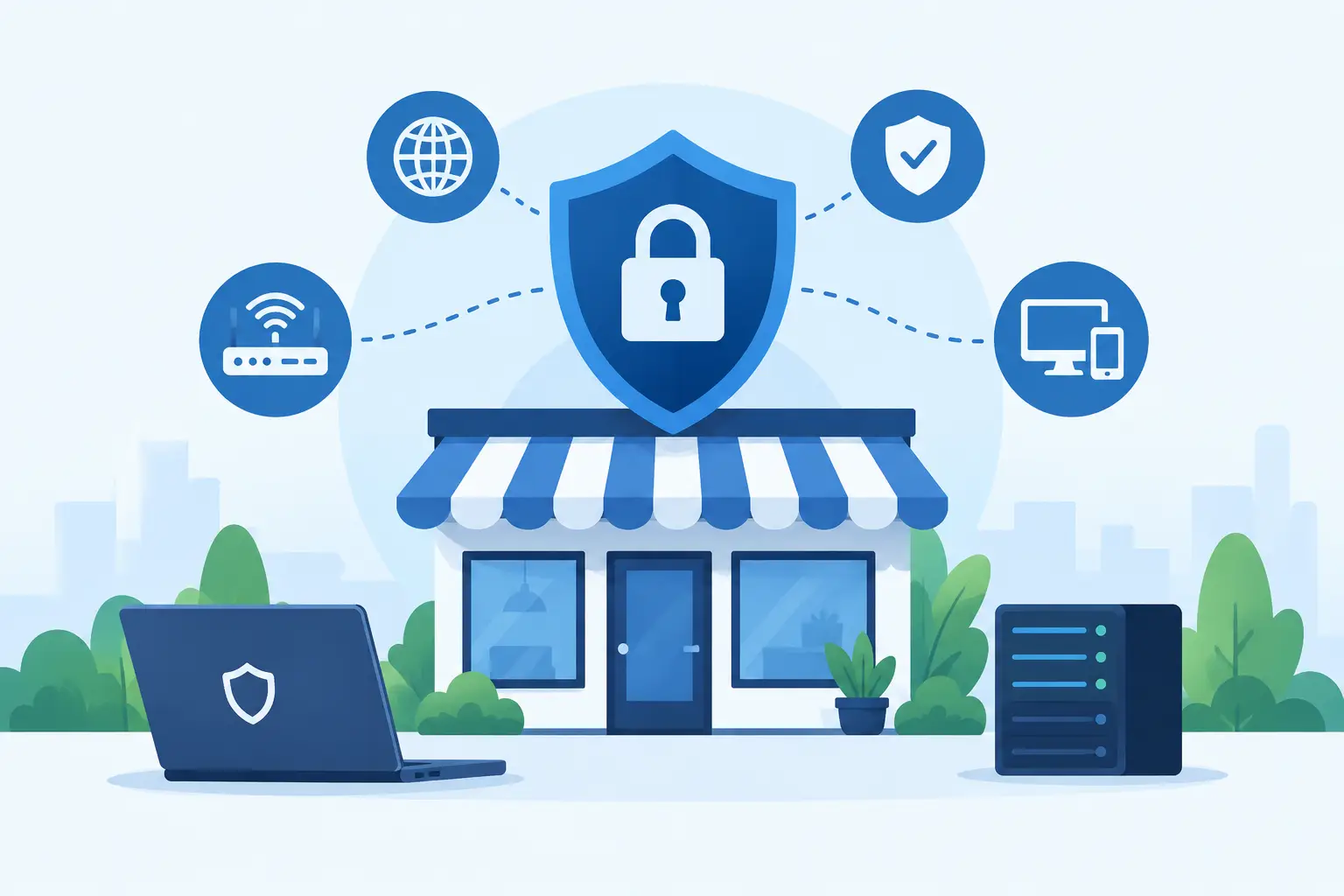
A single compromised Microsoft 365 account can create a much larger problem than an inbox breach. It can expose client information, send convincing payment-change requests, access shared files, and give an attacker a foothold into the rest of the business. For small companies, network security is not about buying every available tool. It is about making the systems employees rely on harder to misuse, easier to monitor, and recoverable when something goes wrong.
The right approach depends on how your business operates. A professional services firm handling sensitive documents has different priorities than a warehouse with shared workstations, cloud applications, and mobile devices. But the objective is consistent: reduce the likelihood and impact of an incident without making everyday work unnecessarily difficult.
What Network Security Means for a Small Business
Network security is often pictured as a firewall at the office door. A firewall matters, but that view is incomplete. Most small businesses now operate across office networks, home Wi-Fi, mobile devices, Microsoft 365, cloud storage, line-of-business applications, and third-party vendors. Security needs to follow users, devices, data, and identities across all of those environments.
For a growing business, the practical security baseline usually includes protected internet access, secure Wi-Fi, managed endpoints, strong account controls, monitored alerts, tested backups, and a documented response plan. These controls work together. A well-configured firewall cannot compensate for an employee approving a fraudulent multifactor authentication prompt, and an excellent backup does not prevent an attacker from sending phishing messages from a compromised mailbox.
That is why the best security decisions begin with business risk rather than a product list. Consider what would happen if payroll data were exposed, a shared drive were encrypted, email stopped working for two days, or a staff member mistakenly sent a client file to the wrong recipient. The answers identify where protection is most valuable.
Start With Identity and Email Security
For many organizations, Microsoft 365 is the operational center of the business. Email, Teams, SharePoint, OneDrive, and connected applications all depend on a user identity. If that identity is compromised, the attacker may not need to break into the office network at all.
Multifactor authentication should be required for every account, especially administrators, finance staff, and remote users. However, MFA alone is not a finish line. Attackers increasingly use password-spray attempts, phishing pages that proxy login sessions, malicious OAuth application consent, and MFA fatigue attacks. Conditional access policies can add meaningful protection by challenging unusual sign-ins, blocking legacy authentication, requiring compliant devices, and limiting administrative access.
Email protections should also be tuned to the business, not simply left at default settings. Safe attachment and link scanning, anti-impersonation policies, external sender labeling, and domain protections help reduce common fraud attempts. Finance and leadership teams deserve extra attention because they are frequent targets for invoice fraud and business email compromise.
There is a trade-off: overly aggressive filtering can delay legitimate client messages or quarantine valid attachments. The answer is not to lower protection across the board. Review quarantined messages, create narrowly scoped exceptions, and adjust policy based on real business patterns.
Protect Devices Before They Connect
Laptops, desktops, and mobile devices are part of the security perimeter wherever they are used. A laptop connecting from a client site or a home office should meet the same minimum standard as one connected at headquarters.
Centralized device management through Microsoft Intune can help a small business apply security settings consistently. This may include device encryption, screen-lock requirements, operating system updates, approved application controls, antivirus and endpoint detection, and the ability to remove company data from a lost or departing employee's device.
Microsoft Defender for Business or Microsoft Defender for Endpoint can provide detection and response capabilities that go beyond traditional antivirus. The difference matters when an attacker uses legitimate tools, stolen credentials, or scripts that do not resemble a known virus. Visibility into suspicious behavior gives an IT partner a chance to investigate and contain an issue before it becomes a business-wide outage.
Not every device needs identical treatment. A shared kiosk, an executive laptop, and a personally owned phone present different risks. Clear rules for company-owned devices, personal devices, and administrator accounts prevent the common mistake of applying broad access without accountability.
Build a Safer Office Network
The physical office still matters. A business network should separate trusted business devices from guest Wi-Fi, smart TVs, cameras, printers, and other connected equipment. Segmentation limits how far an incident can spread. If a poorly secured Internet-connected device is compromised, it should not have direct access to accounting systems or employee workstations.
A properly configured business firewall can filter unwanted traffic, support secure remote access, log activity, and enforce policies between network segments. Firmware updates, secure administrator credentials, disabled unused services, and regular configuration reviews are fundamental. These are unglamorous tasks, but overlooked network equipment remains a common source of avoidable exposure.
Remote access deserves special scrutiny. Exposing remote desktop services directly to the internet is rarely appropriate for a small business. A secure VPN, zero-trust access model, or cloud-based application access is usually a safer choice, depending on the systems employees need to reach. The best option depends on whether applications remain on-premises, have moved to Azure, or are already delivered as cloud services.
Make Backups Part of Network Security
Backups are a recovery control, but they are also a security control. Ransomware, accidental deletion, failed updates, and disgruntled insiders can all affect business data. If backups are connected, visible, and writable from the same compromised environment, they may be encrypted or deleted alongside production data.
A sound backup strategy keeps separate recovery copies, protects backup credentials, defines retention periods, and tests restoration. Testing is the part many organizations skip. A backup job marked successful does not prove that a full server, mailbox, SharePoint library, or critical application can be restored within the time the business can tolerate.
Recovery objectives should be practical. Ask how much data the company can afford to lose and how long key systems can be unavailable. A business that relies on real-time scheduling may need a different recovery design than one that can work from the previous day's data. These decisions shape backup frequency, storage location, cost, and disaster recovery planning.
Give People Clear Security Habits
Employees should not be expected to act like security analysts, but they do need simple instructions for high-risk moments. Short, recurring training works better than a once-a-year presentation. Staff should know how to report a suspicious message, verify a payment or banking change, handle unexpected MFA prompts, and respond if a device is lost.
The most useful policies are specific enough to guide action. For example, a payment change should be verified through a known phone number, not by replying to the email that requested it. Passwords should never be shared through email or chat. Administrative access should be separate from everyday user accounts. These habits address real attack paths without turning policy into a binder nobody reads.
A Practical Security Roadmap
Small businesses do not need to fix every gap in one project. Prioritize controls that reduce the largest and most likely risks first:
- Require multifactor authentication and remove legacy sign-in methods.
- Review Microsoft 365 administrator roles, mail forwarding rules, and suspicious app permissions.
- Standardize patching, encryption, endpoint protection, and device management.
- Separate guest, business, and Internet-connected device networks.
- Confirm that backups are protected and that critical data can be restored.
- Create an incident response contact list and a simple process for reporting suspected threats.
After the baseline is in place, ongoing review matters more than a one-time cleanup. Employees join and leave, software changes, devices age, and attackers adjust their methods. Monthly alert review, periodic access checks, and annual recovery testing create a manageable rhythm for maintaining security.
For businesses in Hamilton, Burlington, Oakville, Milton, and the Greater Toronto Area, Deep Shah IT Consulting can assess the current environment, strengthen Microsoft 365 and endpoint controls, and build a security plan that fits operational needs and budget. A focused discovery call can turn broad concerns about cyber risk into clear next steps that protect the work your team depends on.
Need help with this?
Book a free 20-minute call — I'll tell you what needs to happen, no sales pitch.